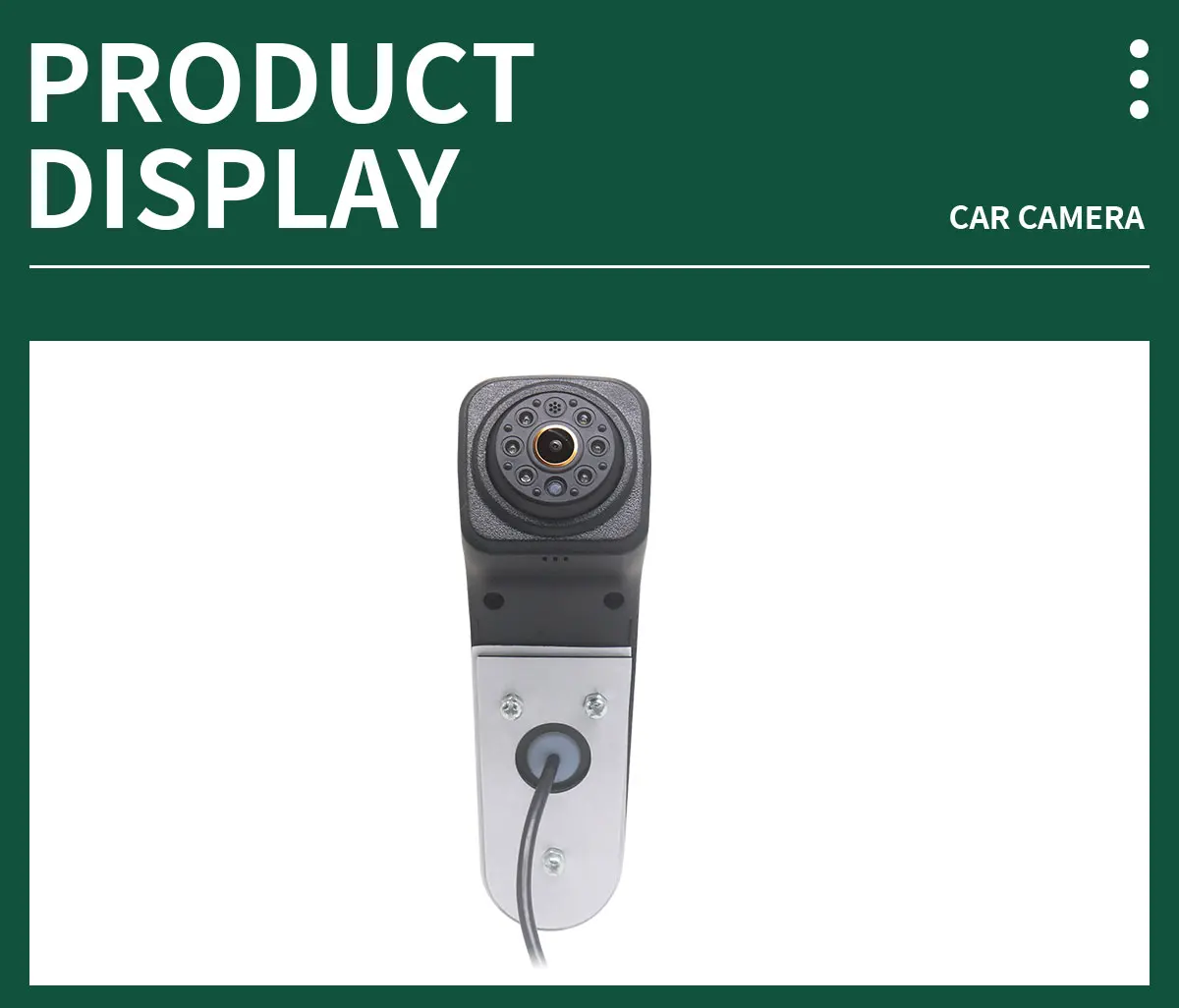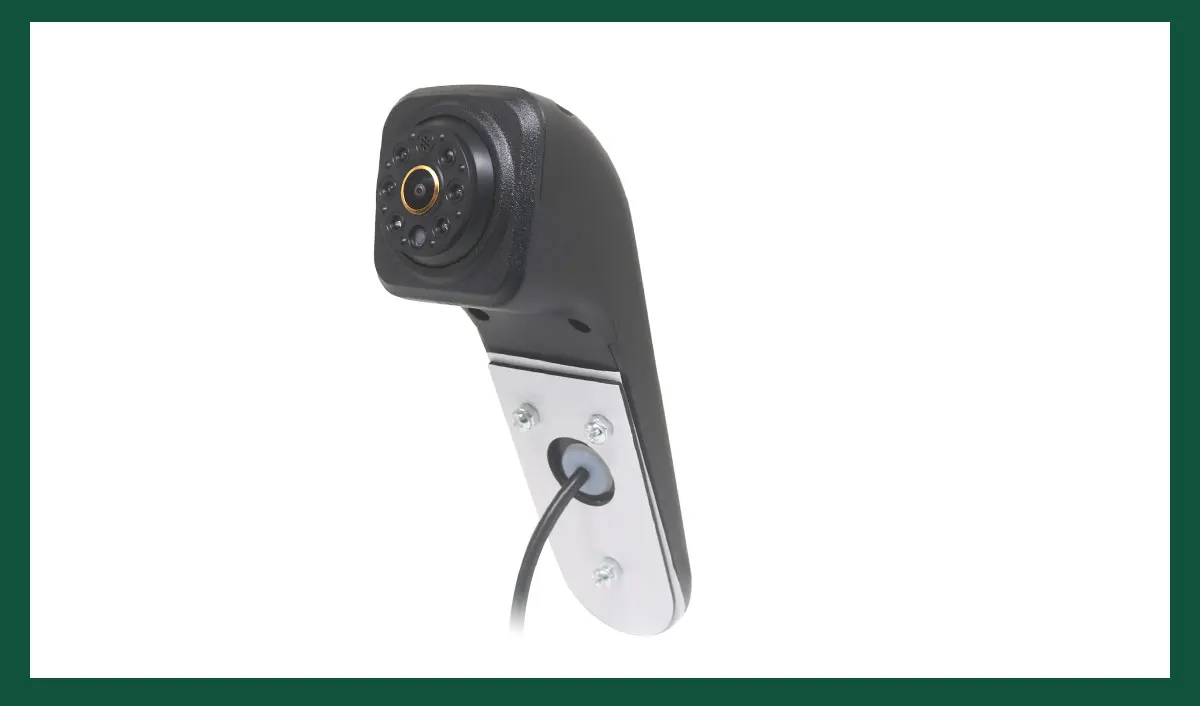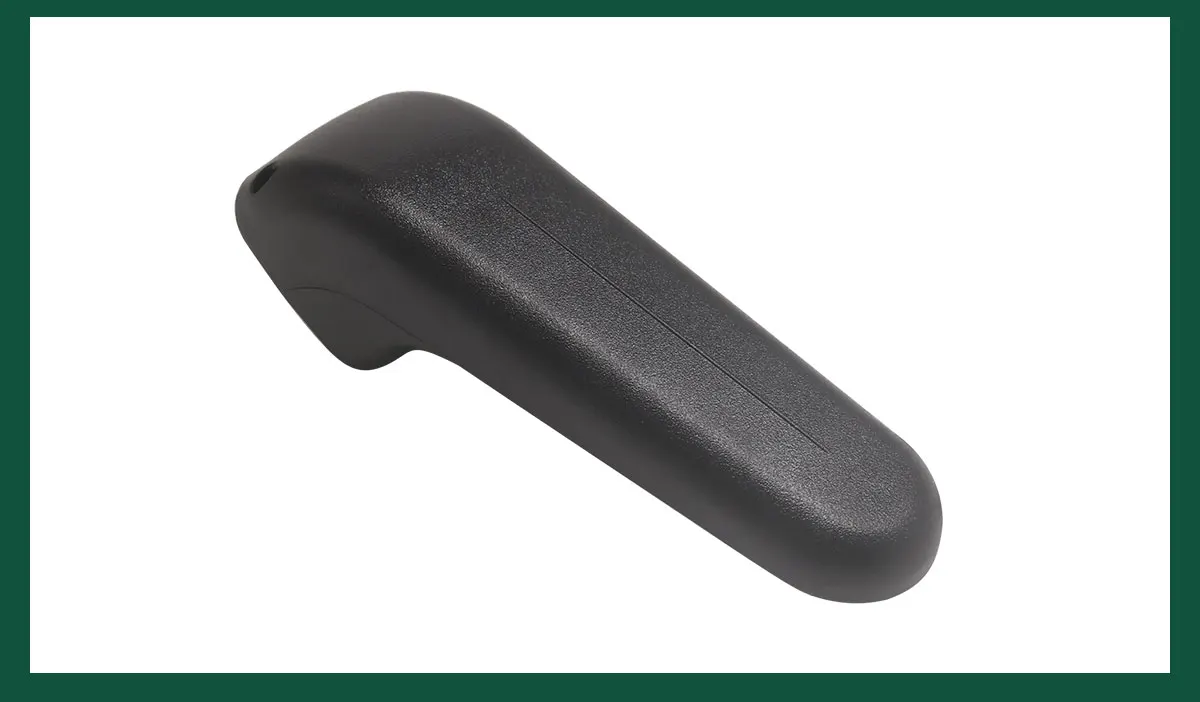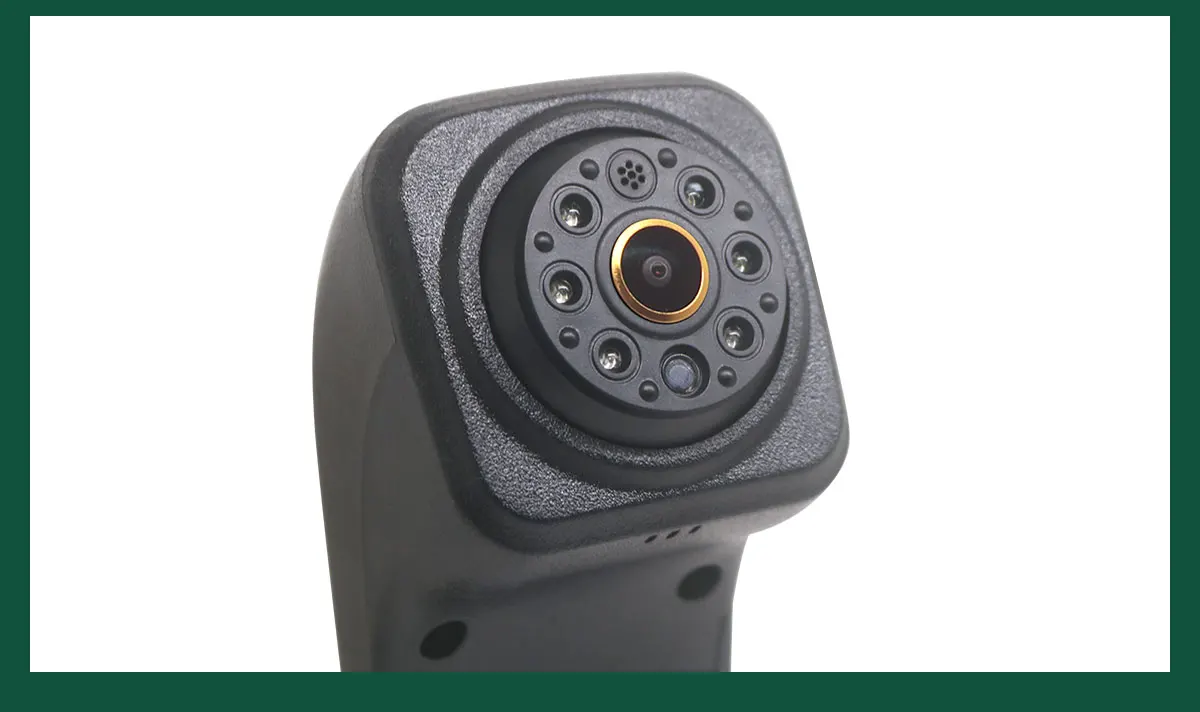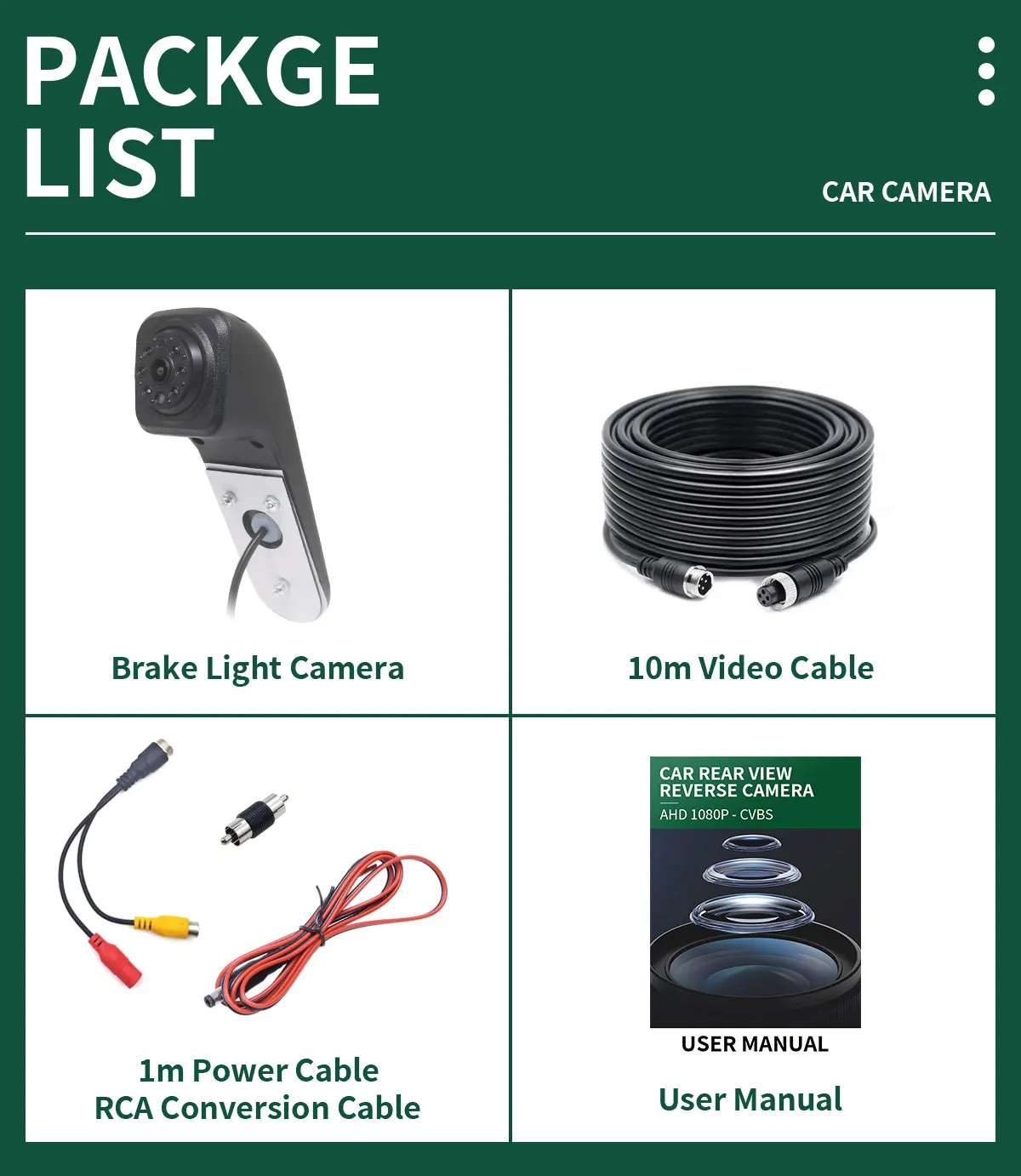
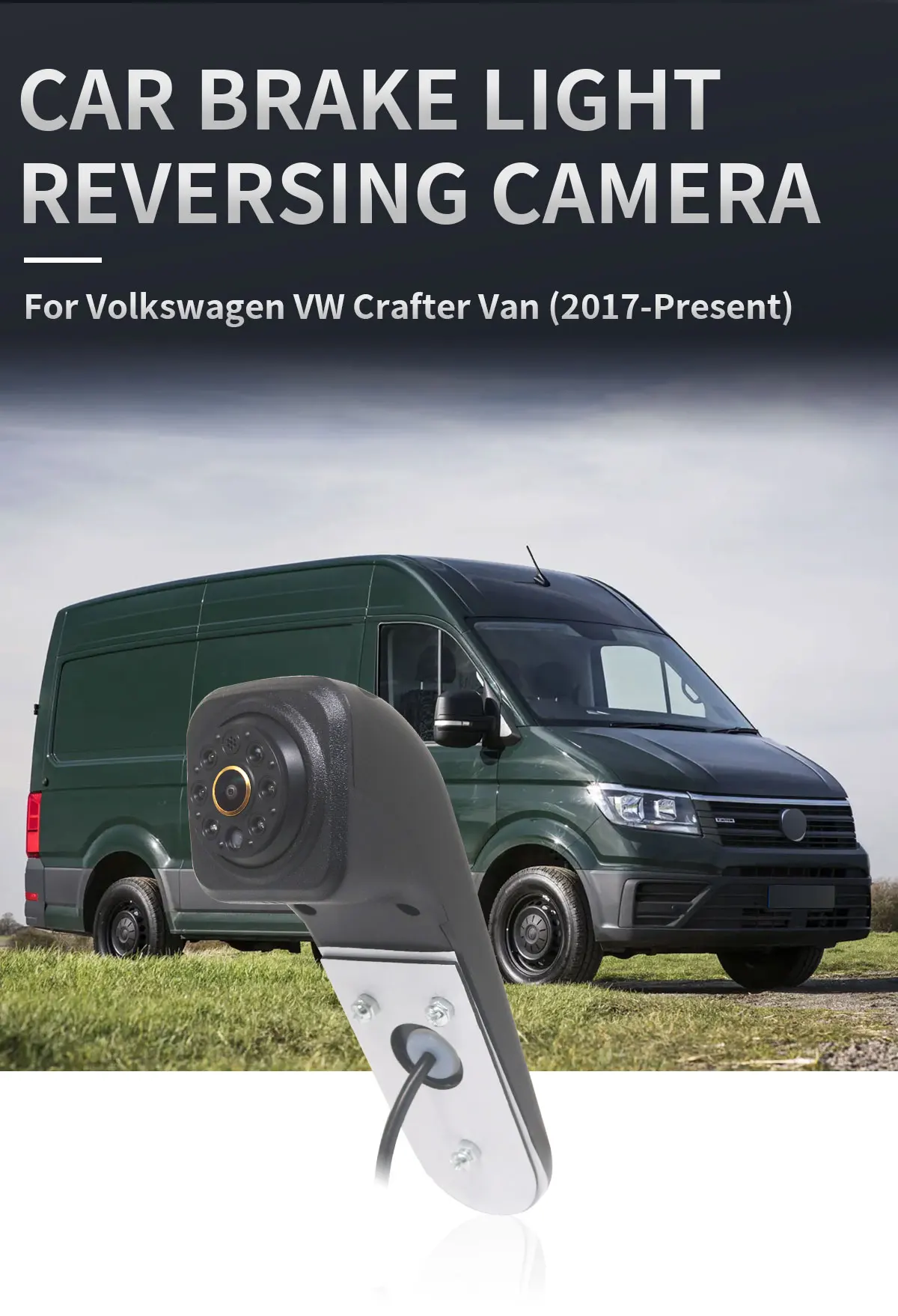
Volkswagen VW Crafter Van (2017-Present)


Description
NOTE:
(1)Please check if your Android monitor supports AHD1080P before purchasing
(2)Our car camera only supports Android large screens. Please check carefully before purchasing
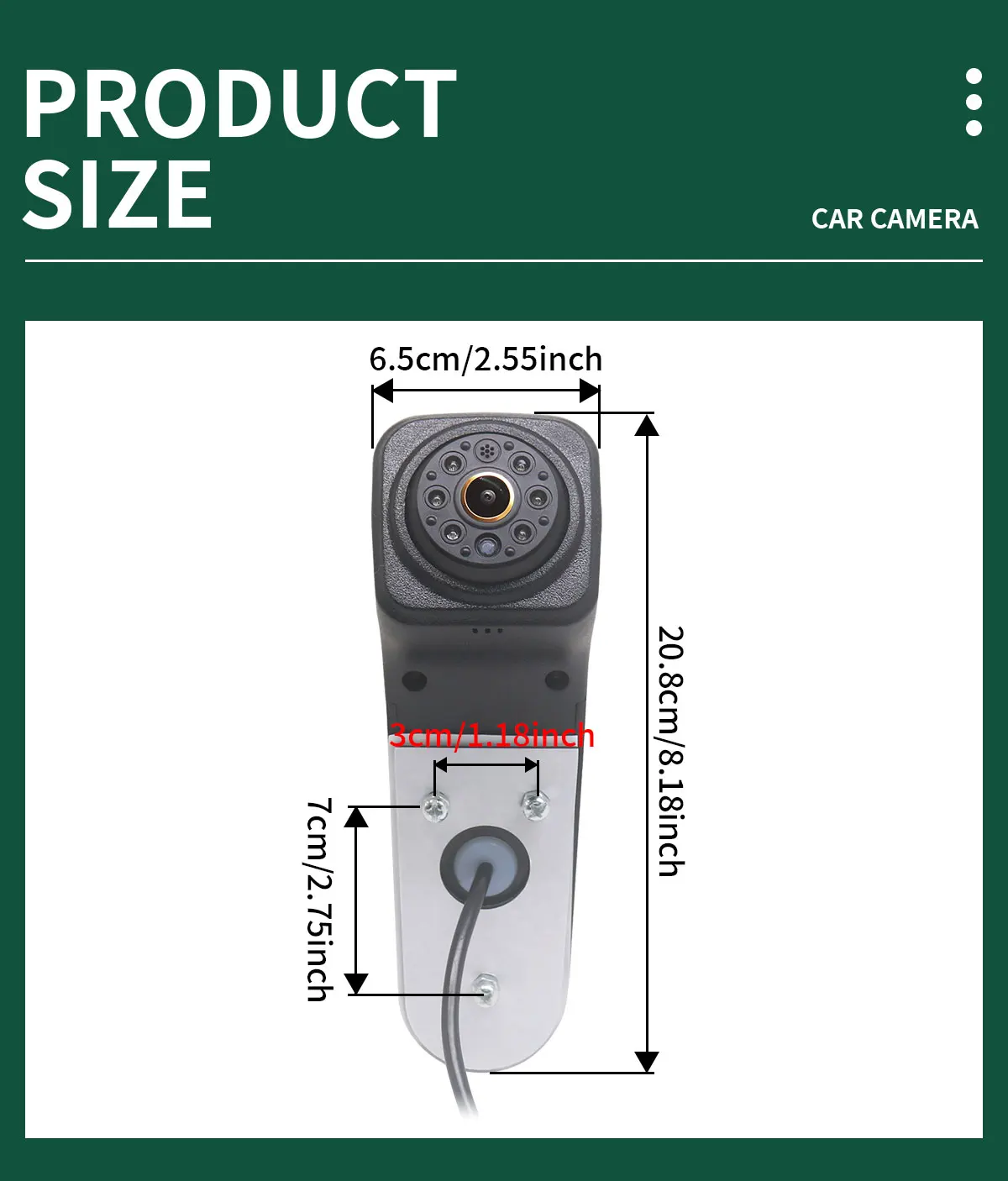
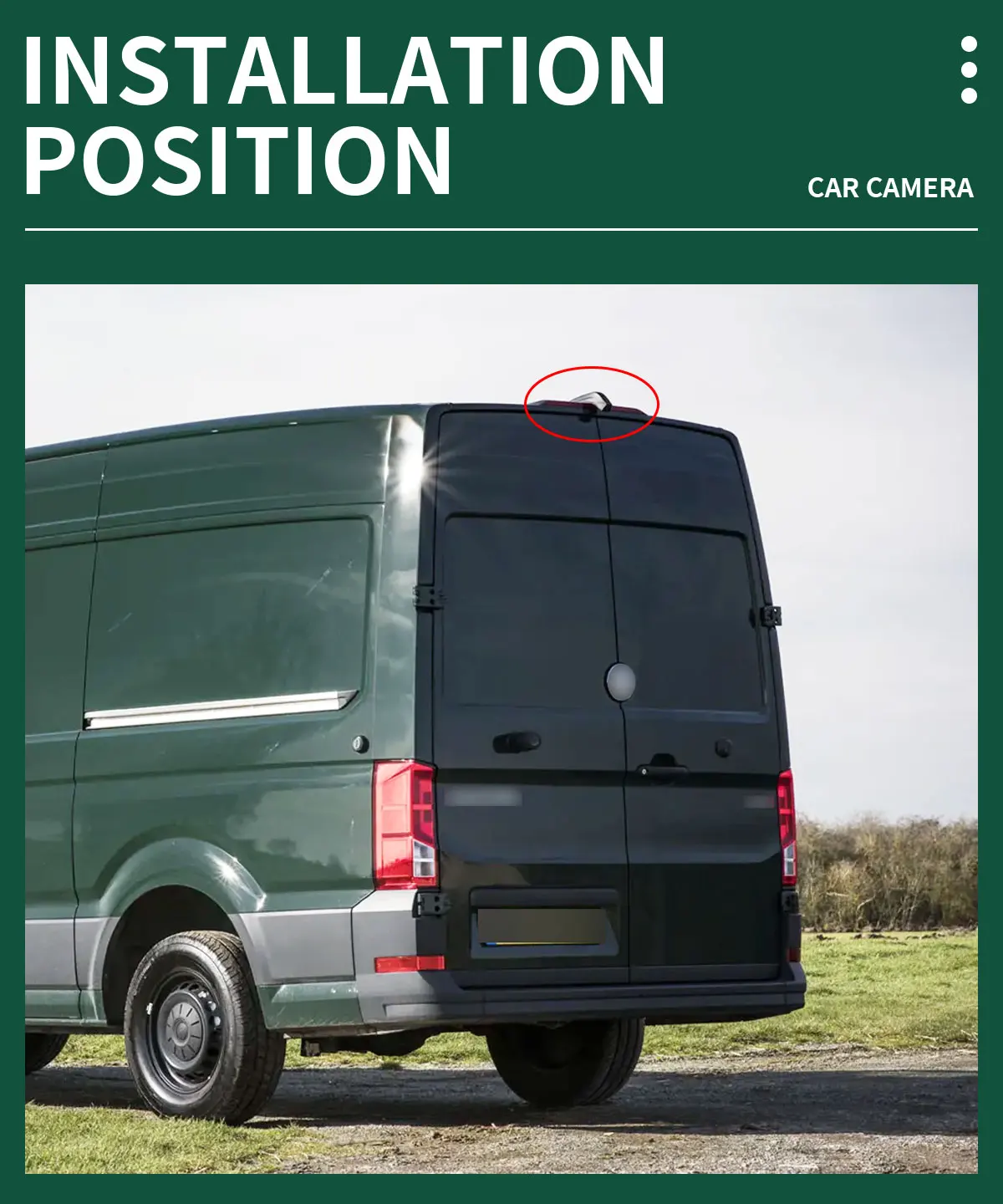
(3)Because there may be slight differences between carsproduced in different countries, please check the size beforebuying.
*If AHD cannot be selected, AHD cameras are not supported!
Go to Car settings >>Factorysettings>> Reverse (picture) settings>> Select AHD 1080P
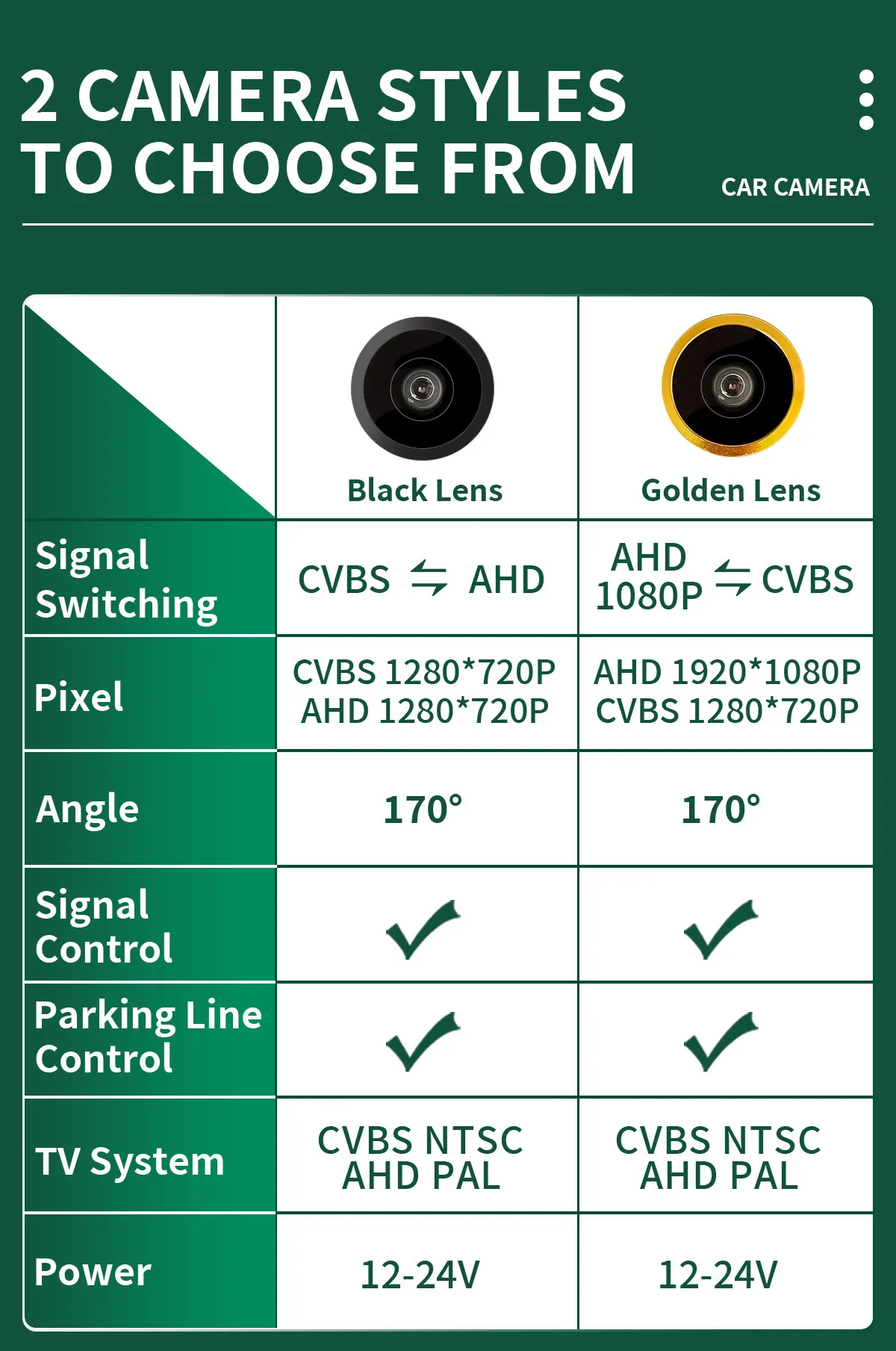
Lens with CVBS video signal is suitable for all displays,But AHD lens is only suitable for AHD displays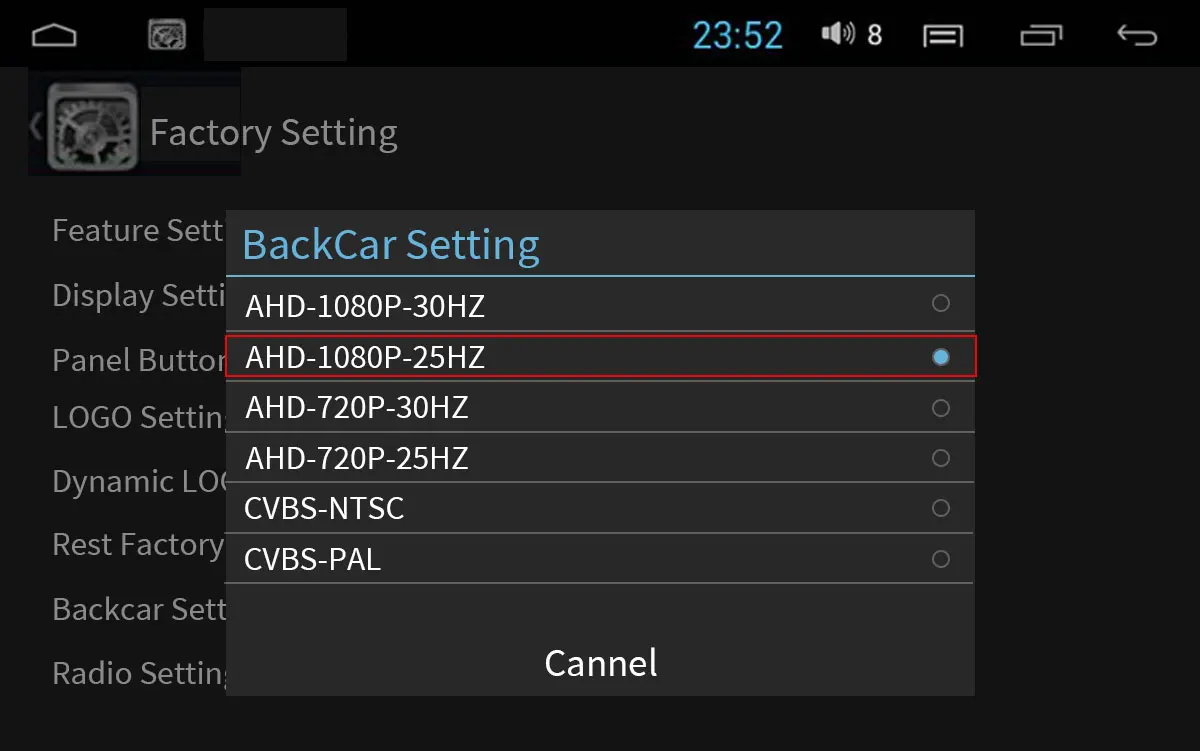 *If you want to use the CVBS signal, just follow the settings below, but before setting it up, you need to check if the camera is a CVBS signal Set the CVBS System,Go to Car Setting >> Factory Setting >> Reverse (Picture) Setting
>> Select CVBS NTSC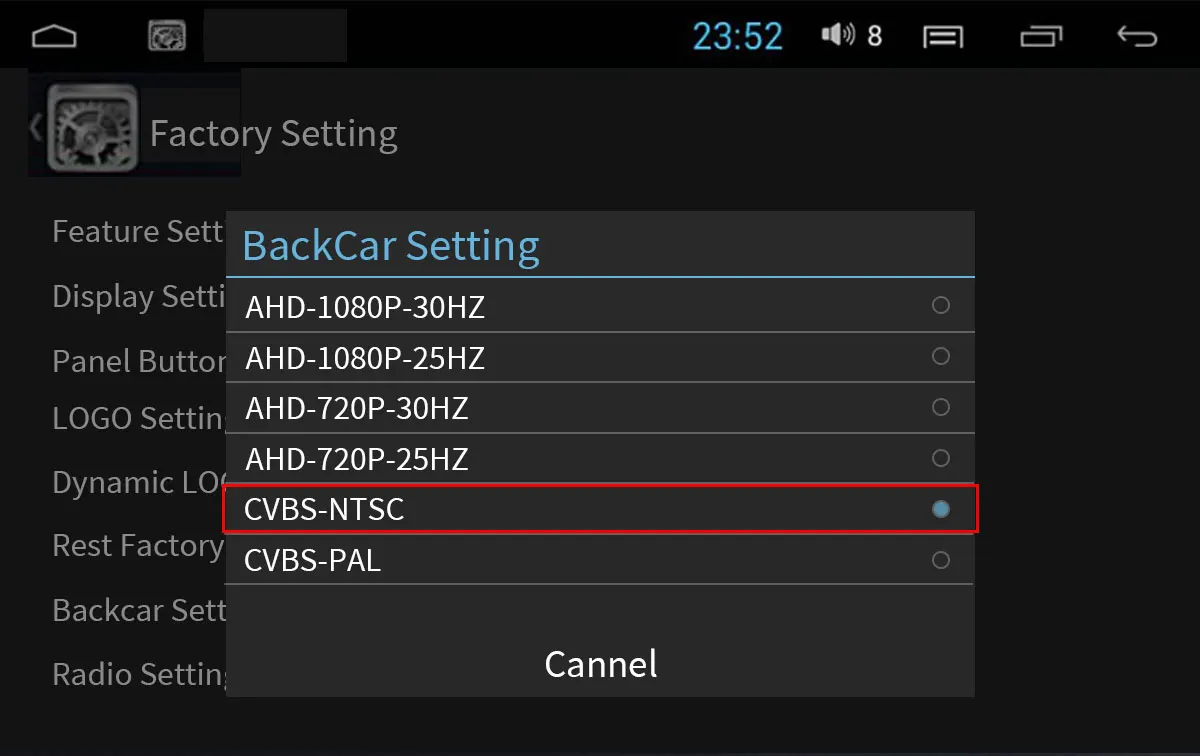
 AHD 1080P-CVBS
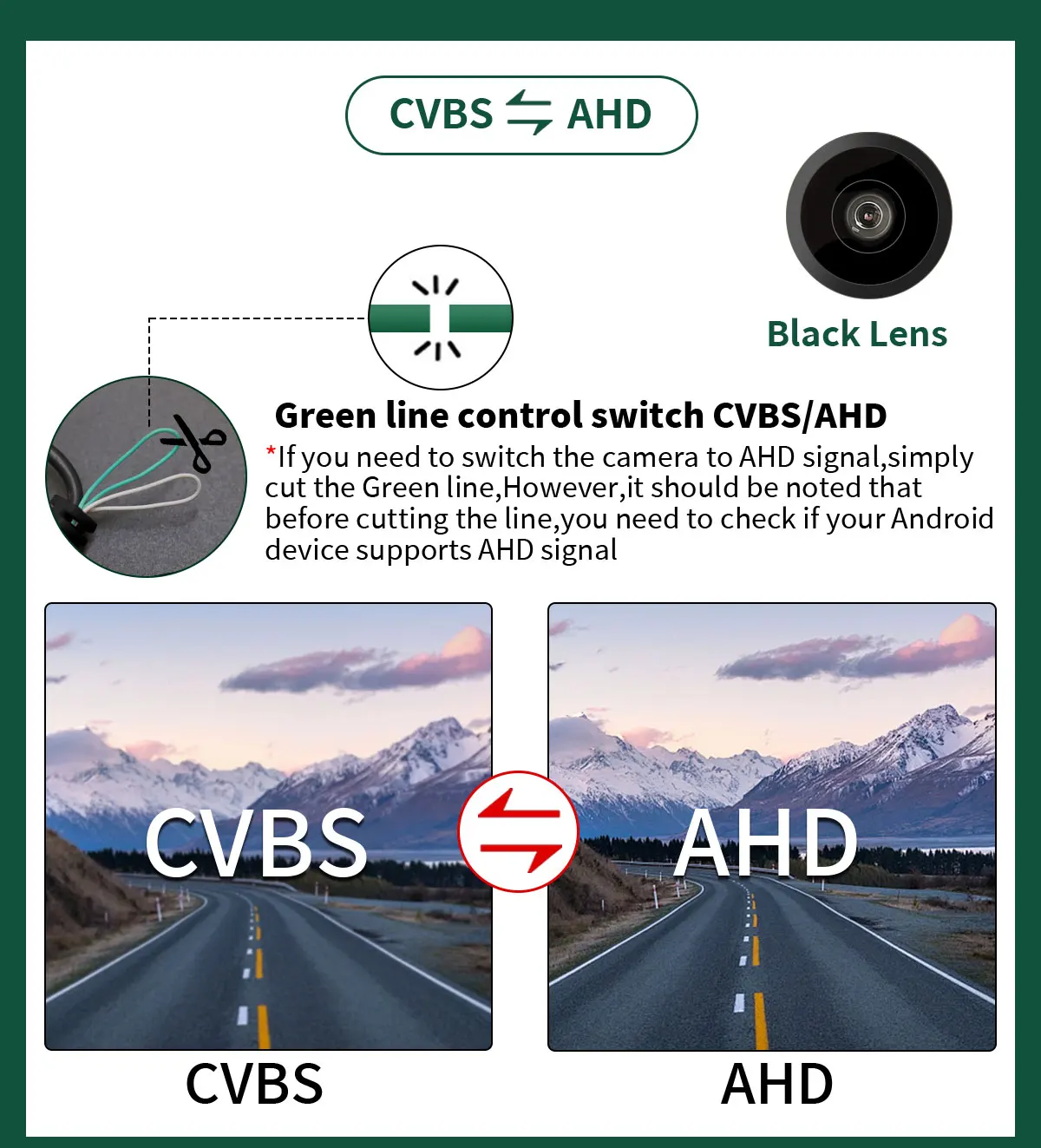
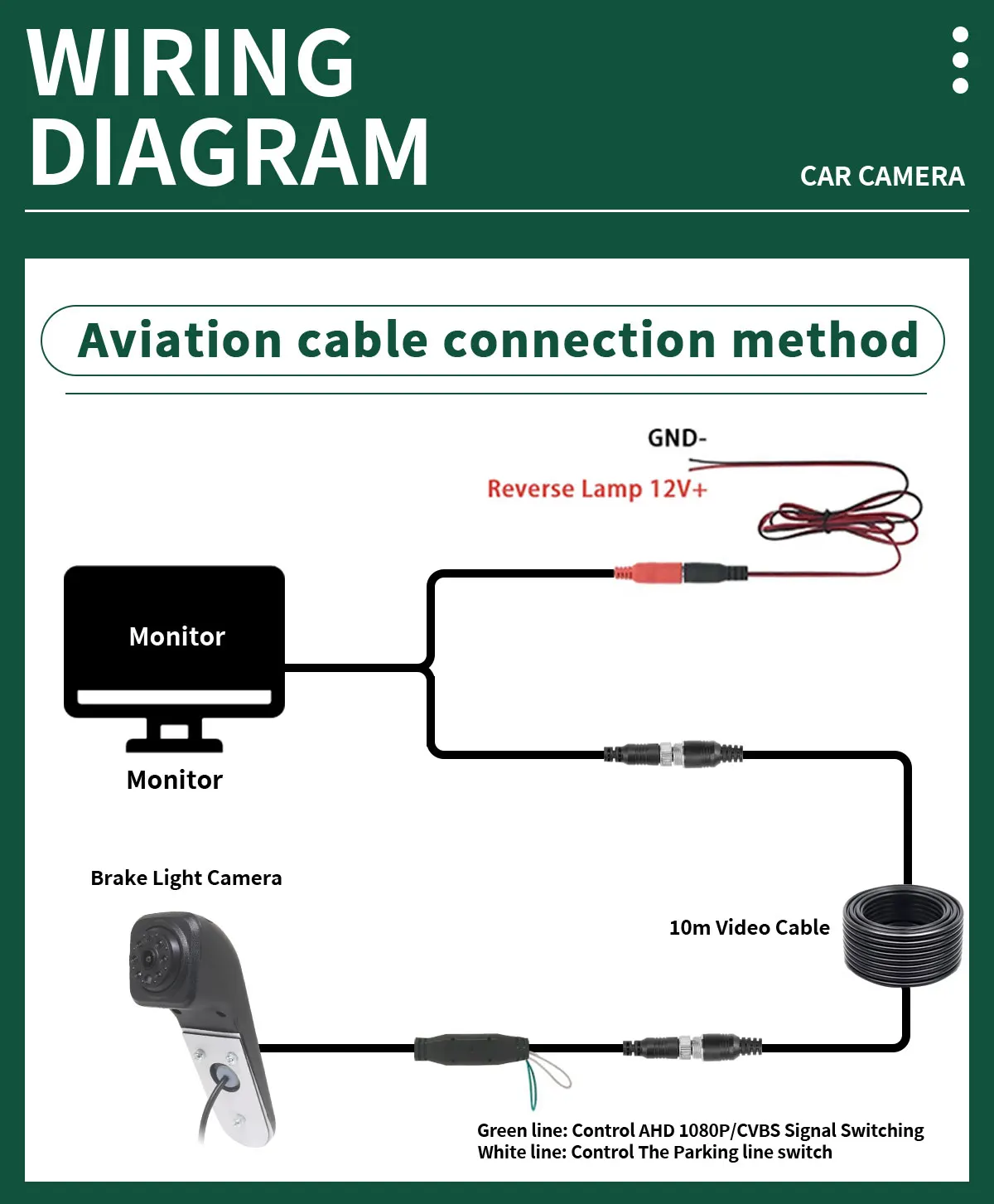
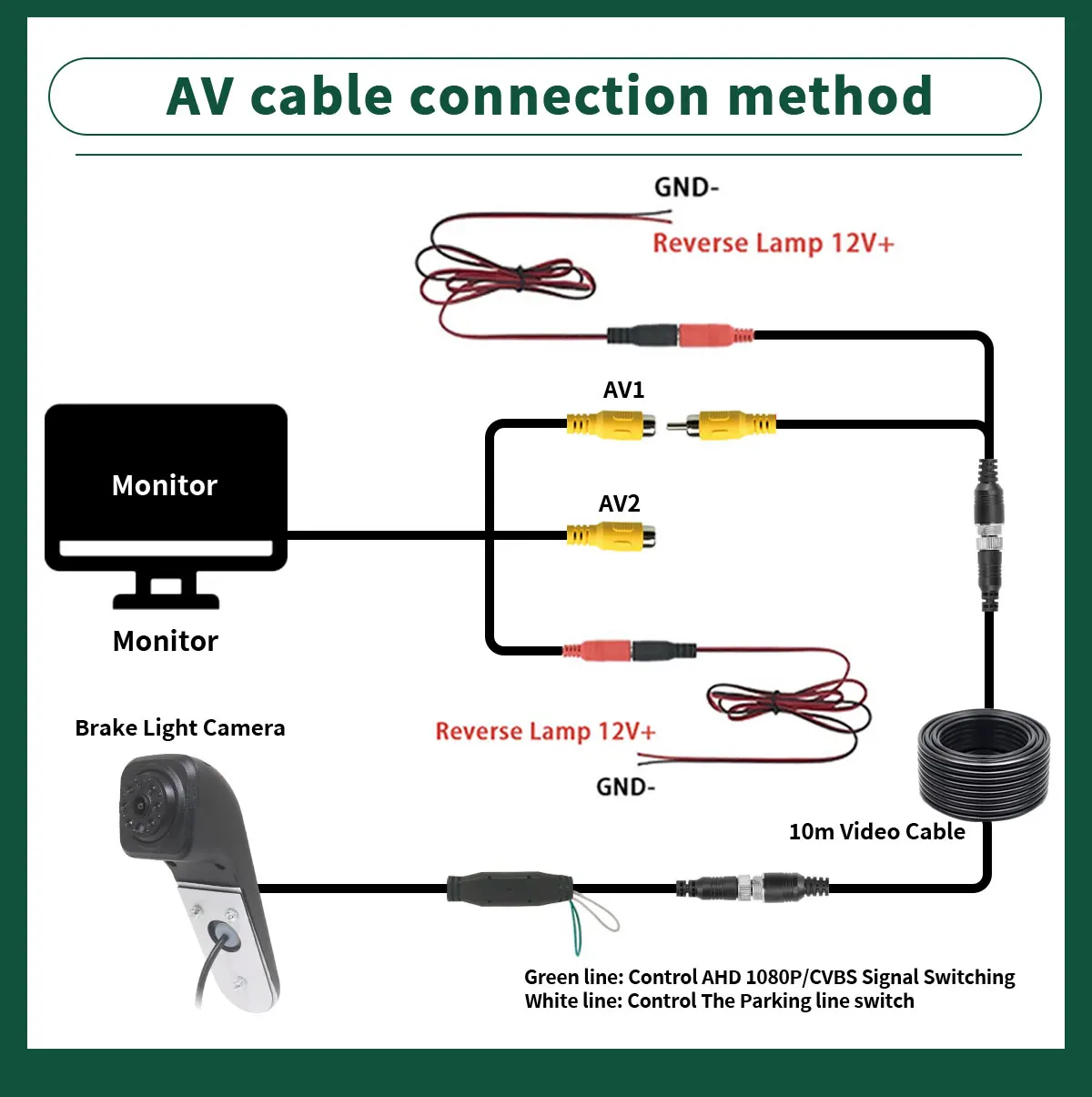
*If your Android unit does not support AHD 1080P signal, you can switch to CVBS signal by cutting the green line. All monitors support CVBS signal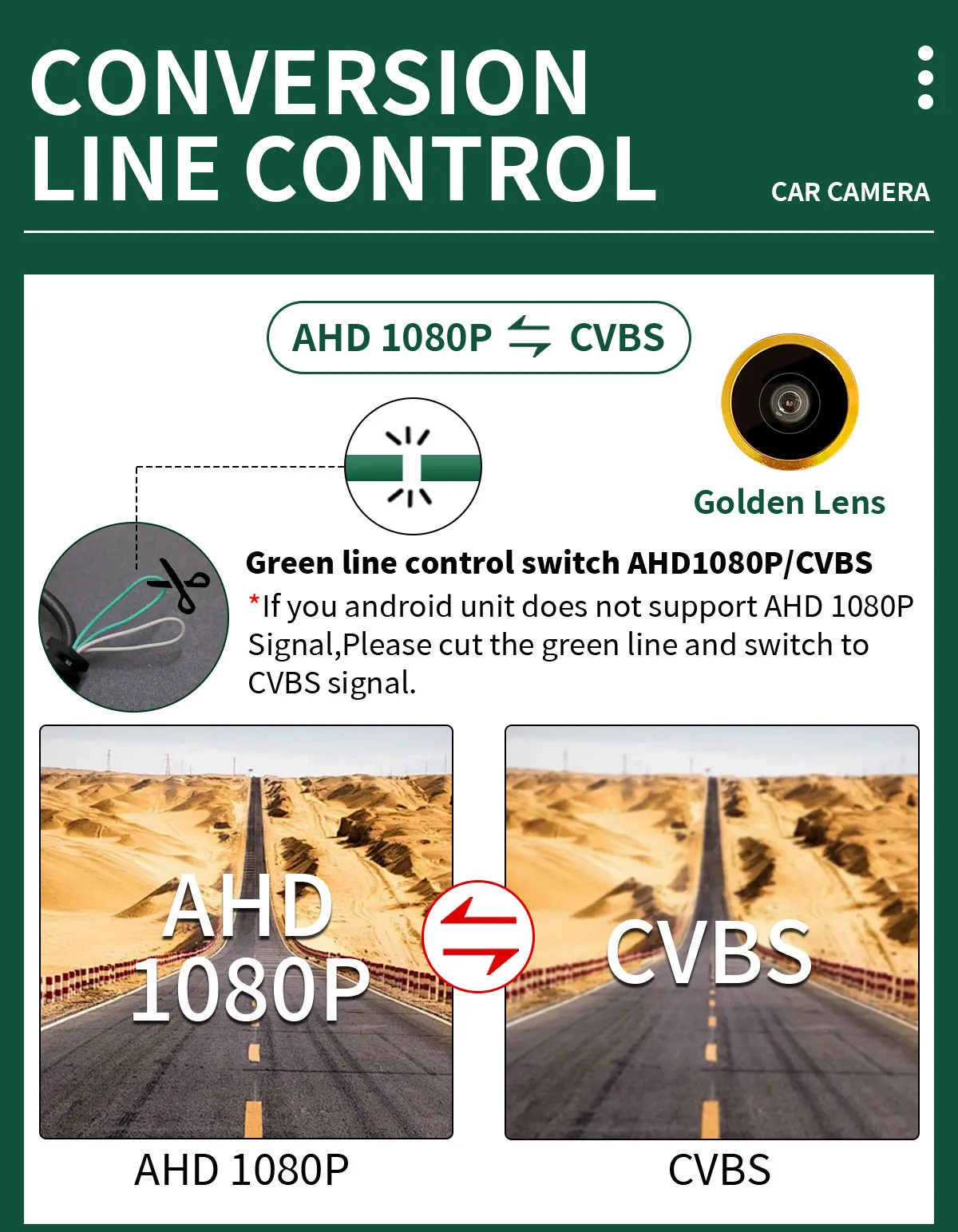
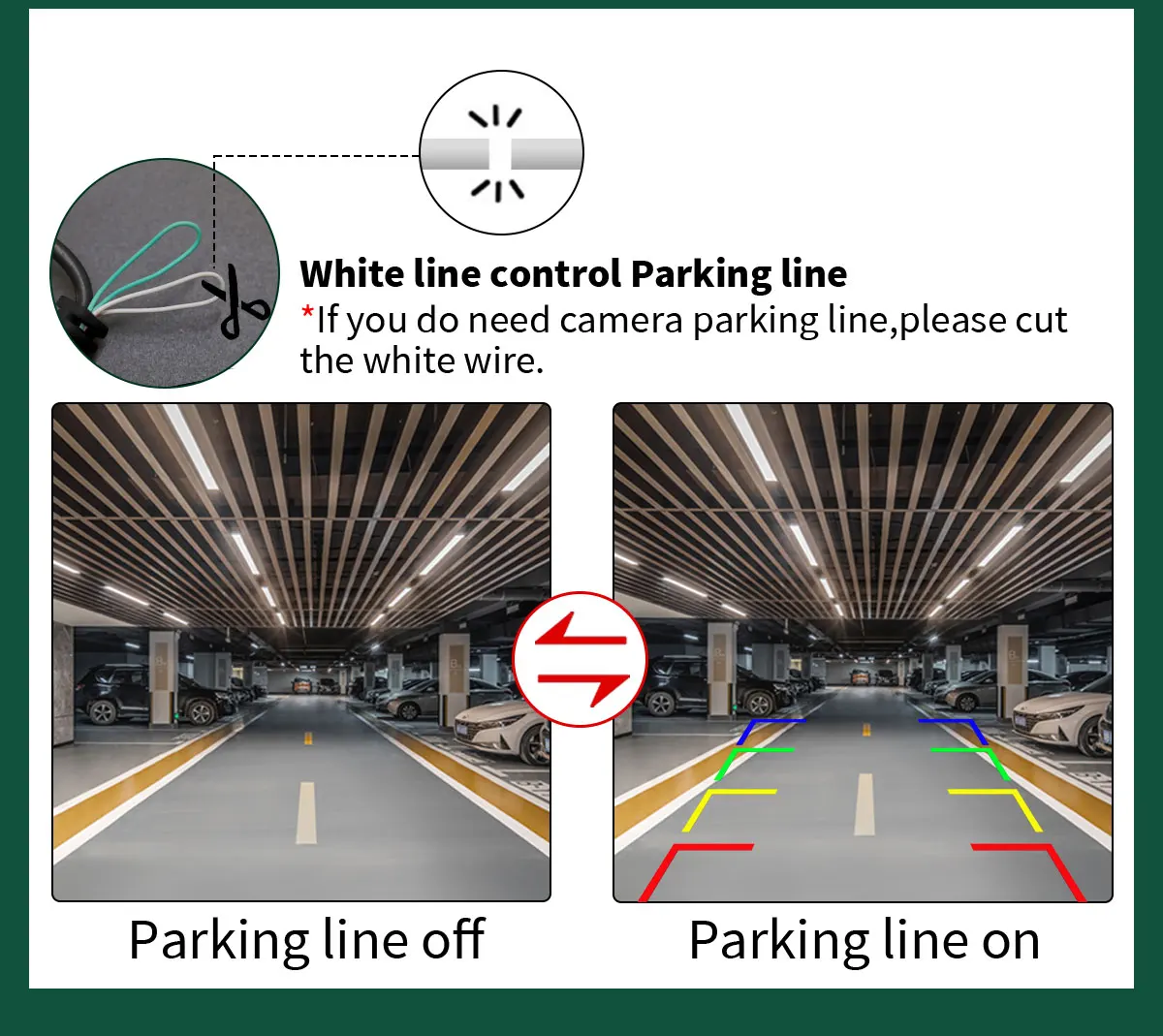 CVBS-AHD
*If you need to switch the camera to AHD signal, simply cut the Green line.However, it should be noted that before cutting the line, you need to check if your Android device supports AHD signal