Opel Astra J 2009-2015


Estimated delivery time: 5-7 days
Contact us before ordering to find out if this model is suitable for your car!
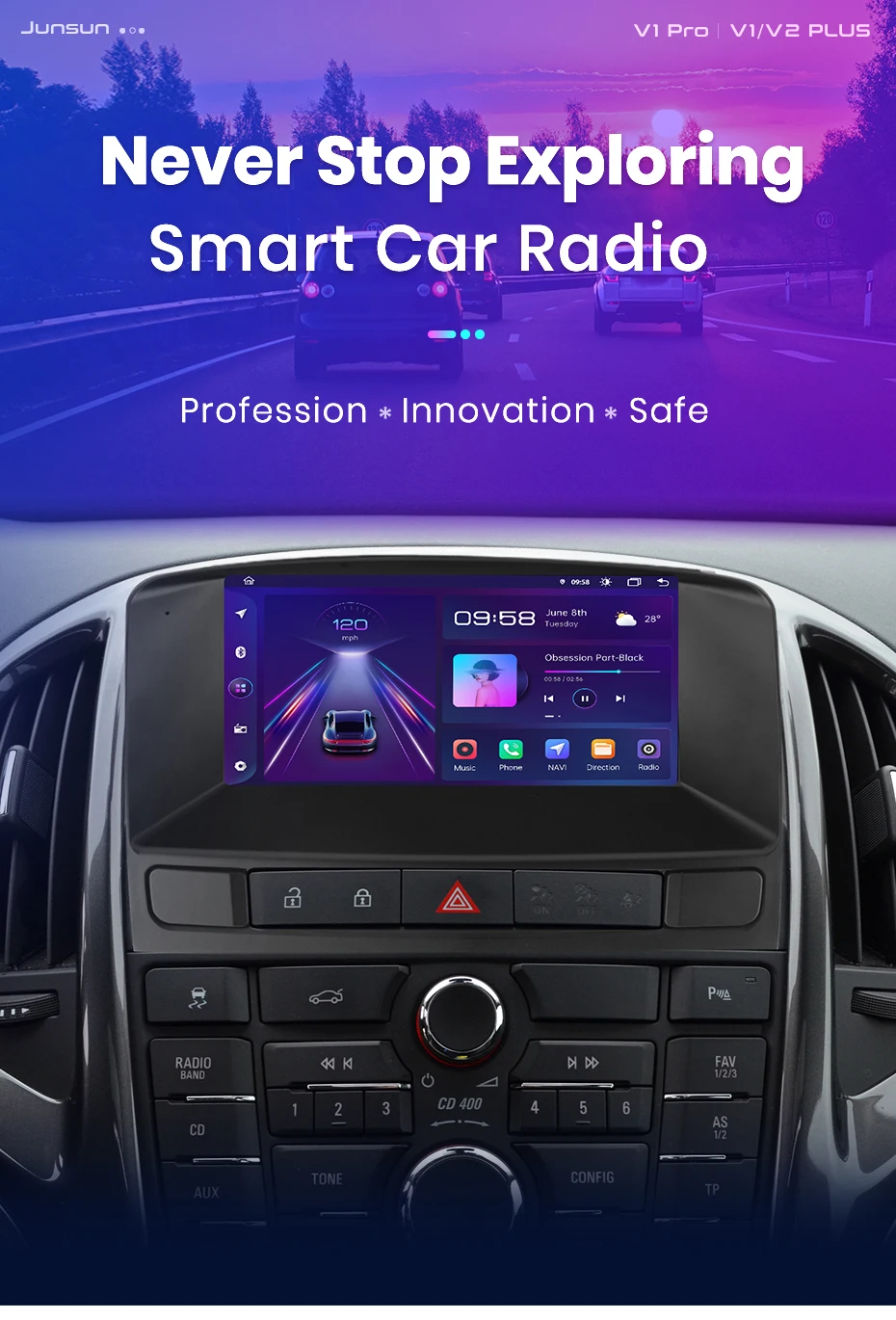

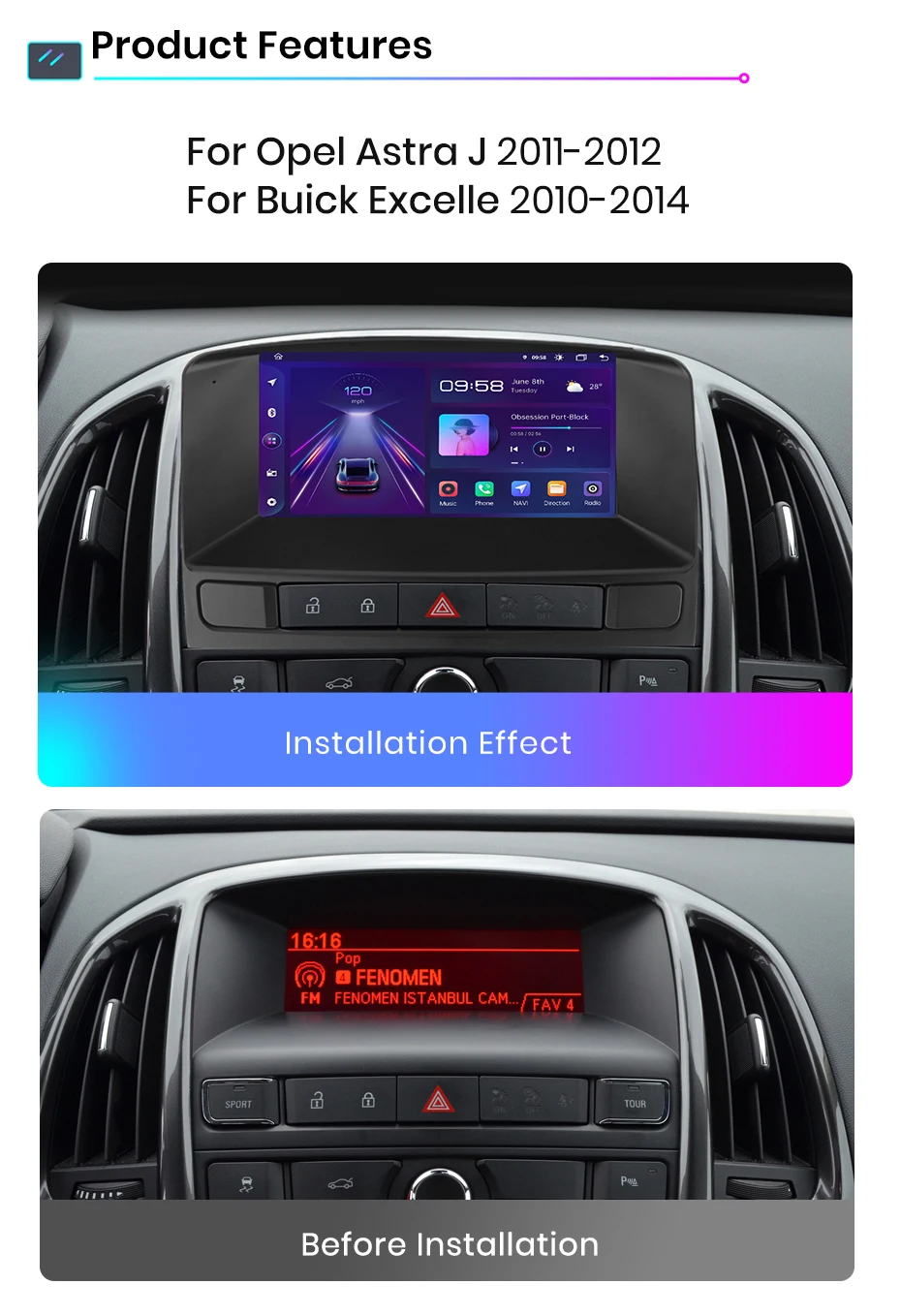
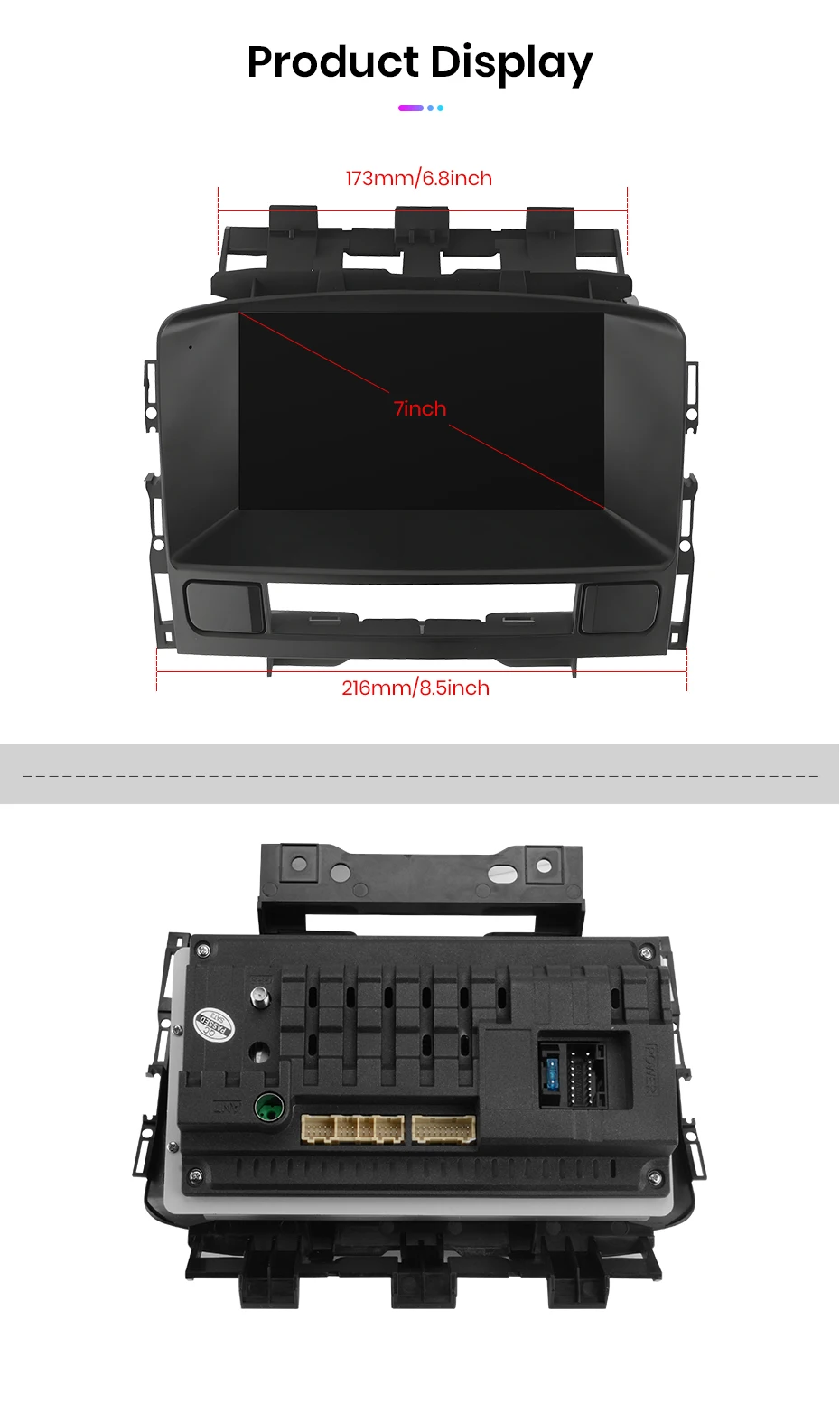
Opel Astra J 2011-2014 Buick Excelle GT XT 7 Inch FM Player
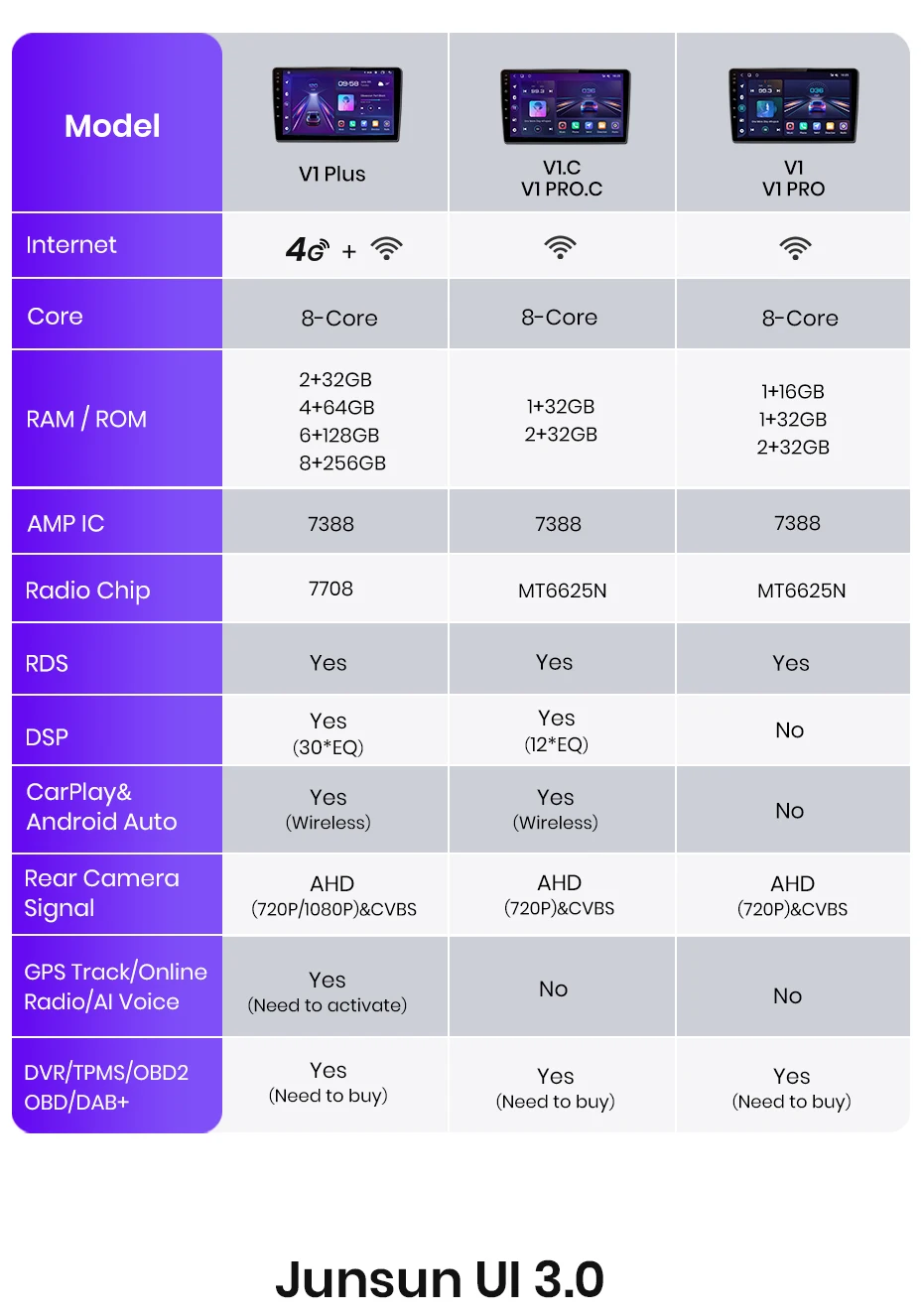
【 Upgrade Android 13 system & 6+128GB】
Powered by the latest Android 13 operating system, this advanced car speaker comes with up to 6GB of RAM and 128GB of storage, ensuring smooth performance and plenty of room for apps, music and navigation data. The upgraded hardware eliminates latency and provides a seamless and responsive user experience.
【1024*600 IPS HD touch screen and split screen mode 】
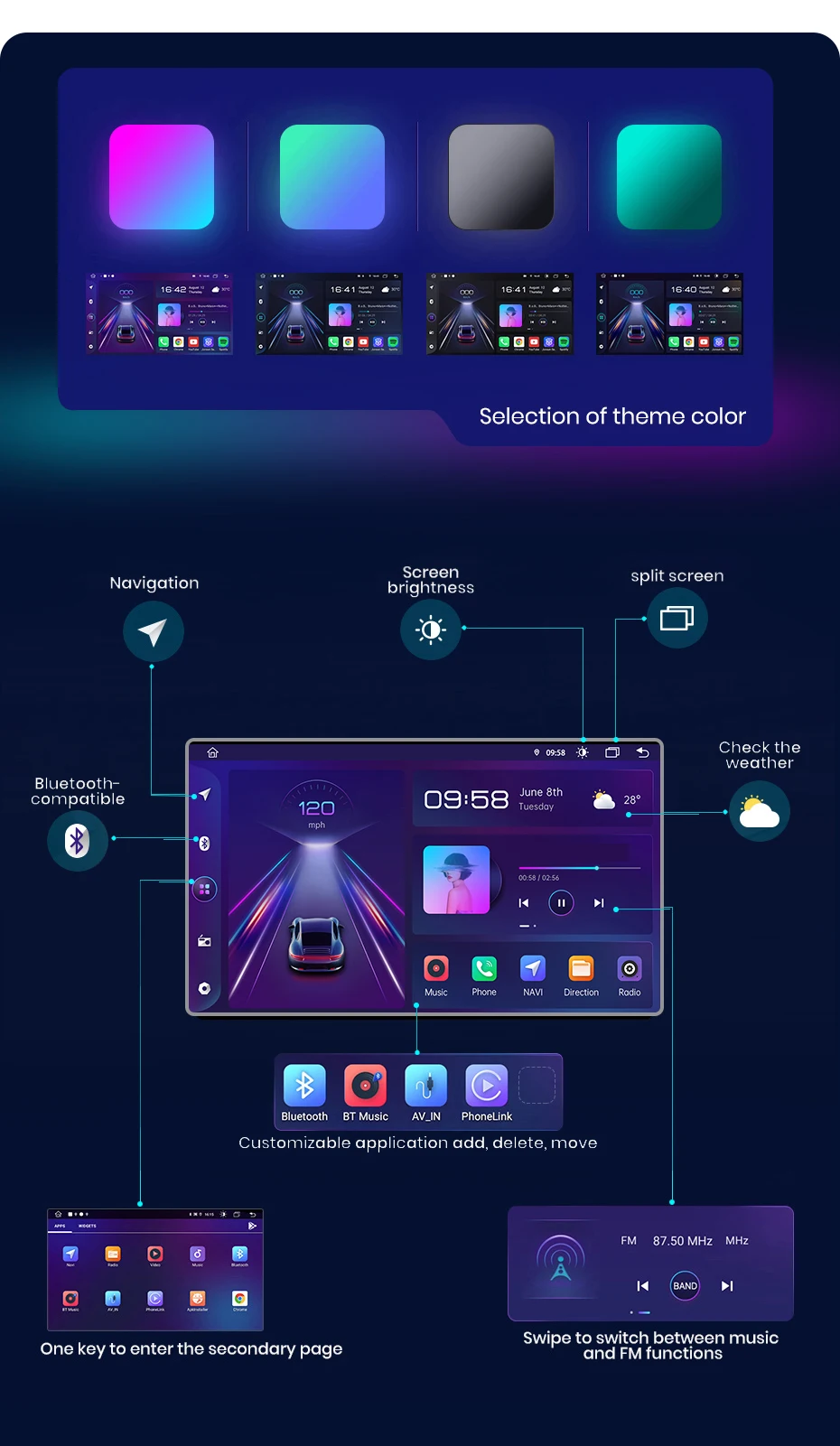
Featuring an IPS touch screen with a resolution of 1024*600, this stereo delivers vivid colors and clear visuals. The split-screen feature allows you to run multiple applications, such as navigation and music, at the same time, improving convenience and safety during driving.
【 Wireless CarPlay/Android Auto】
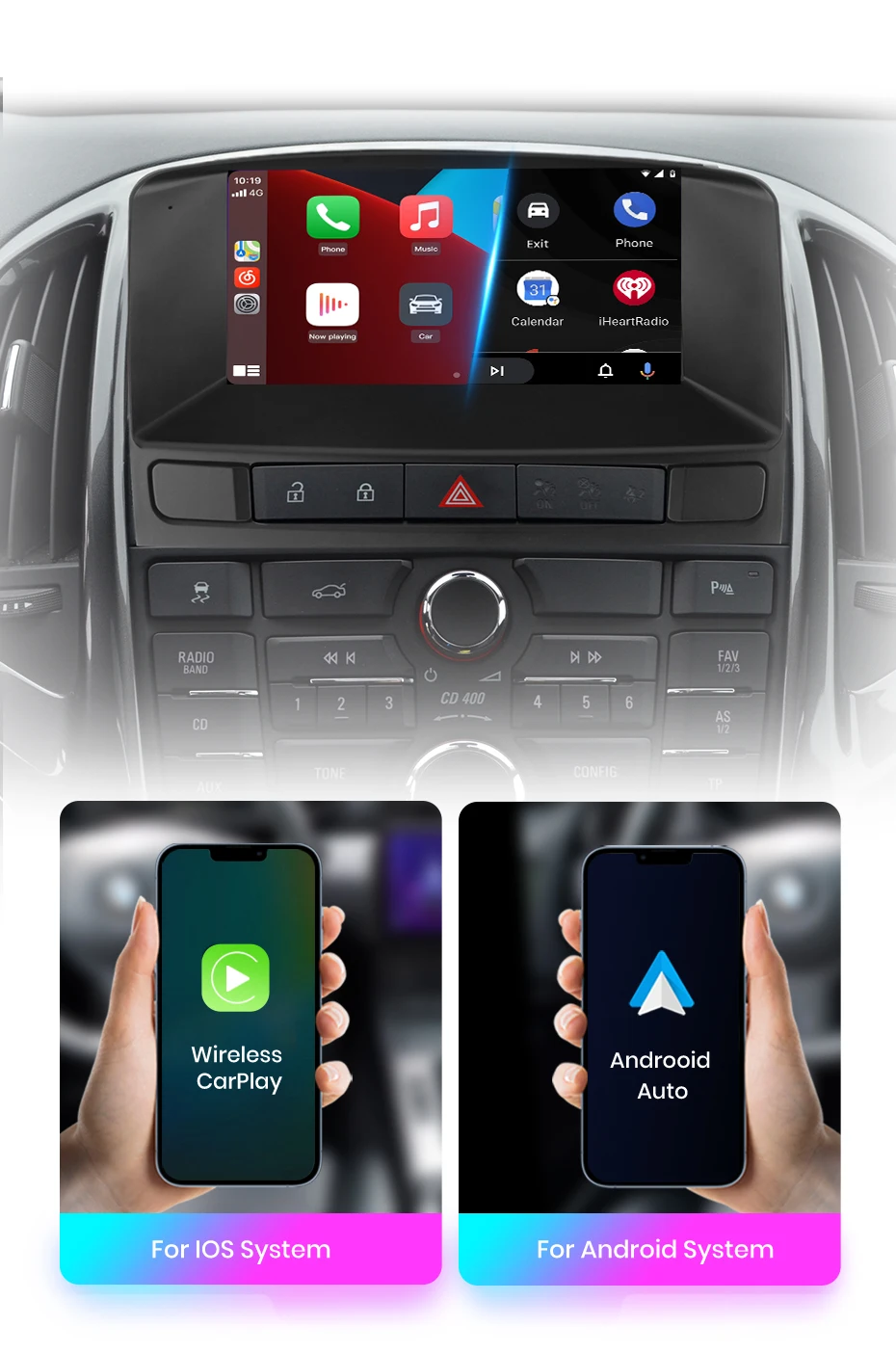
Enjoy seamless smartphone integration with wireless CarPlay and Android Auto. Cable-free access to navigation, music, calling, and voice assistants like Siri or Google Assistant keeps your hands free to focus on the road.
【Plus Version Support Software Updates】with OTA updates, you can keep this radio up-to-date by fixing software issues and enhancing security. Just a few taps, and your device is on the path to improvement! Note: The update is for the software, not an Android system upgrade. (V2 PLUS not support)
【GPS navigation and WiFi】
Equipped with built-in GPS and support for offline maps, this stereo ensures you'll never get lost, even in areas with weak or no cellular signal. WiFi connectivity allows for real-time updates, app downloads and access to online content, making your journey more connected and enjoyable.
【 Built-in Bluetooth and MIC】
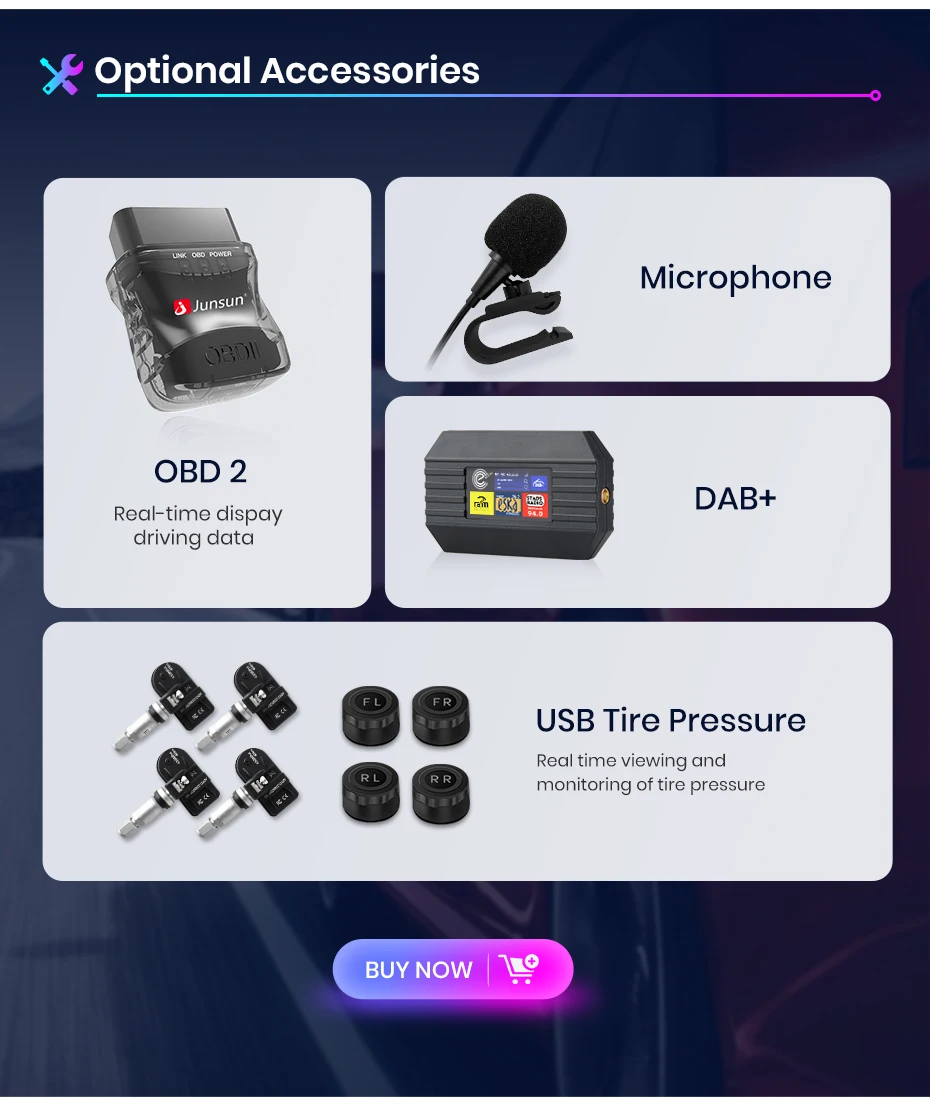
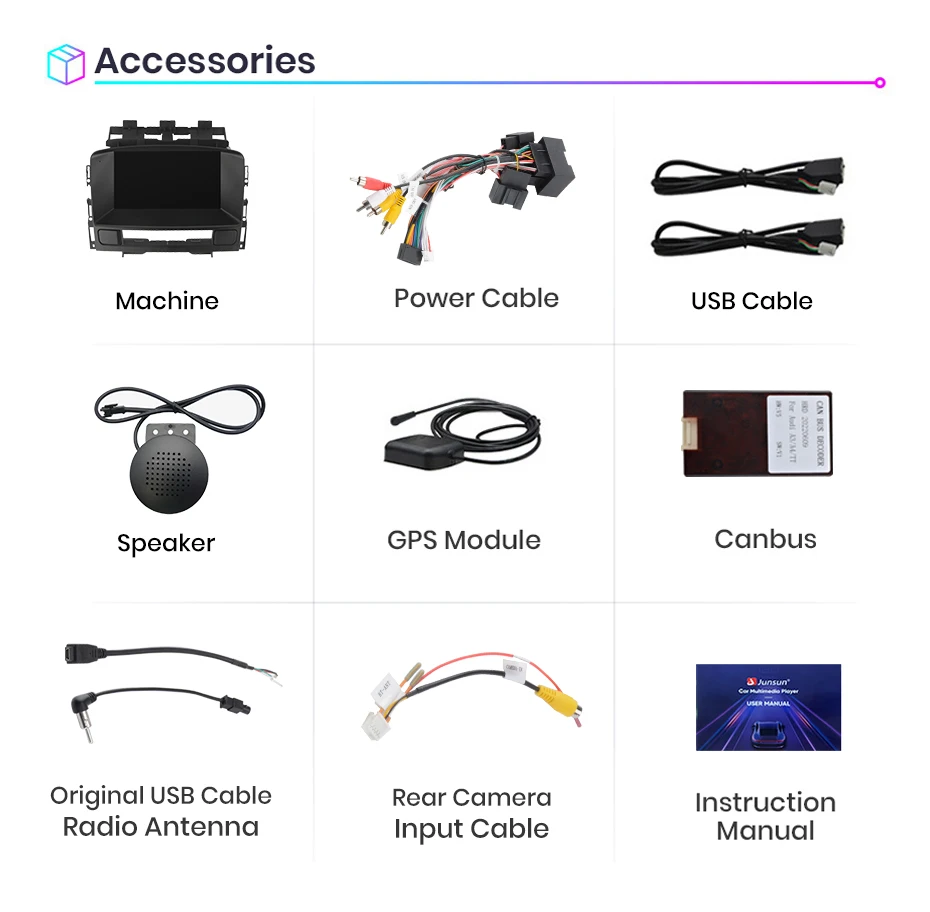
The integrated Bluetooth system supports hands-free calling and music streaming, while the built-in microphone ensures clear communication. An external microphone is also included to improve call quality, making every conversation clear and effortless.
【 Frequency Modulation and SWC】
Enjoy your favorite radio station with FM/RDS radio features. Stereo is compatible with steering wheel Control (SWC), allowing you to safely and easily manage audio and navigation functions without having to take your hands off the wheel.
Add Wireless CarPlay/Android Auto functionality to your car, allowing you to access map navigation, phone contacts, email, notifications, music, and more with the help of a smart voice assistant. While keeping your hands free, you can enjoy a completely safe driving experience.
lt will work more convenientmake your car interior more cool
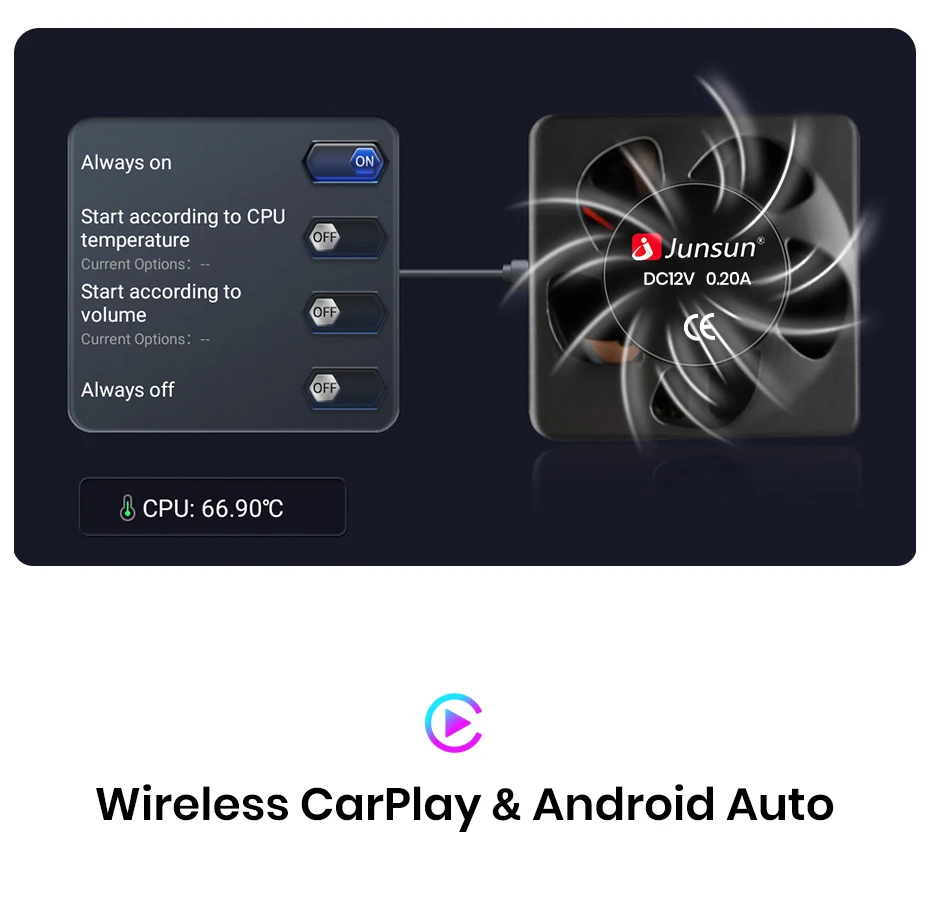
The radio is equipped with a more powerful and largercooling fan to avoid reboot or abnormal touch or abnorma!function caused by overheating or long-term use. with it,many applications can work smooth at the same time
Add Wireless CarPlay/Android Auto functionality to your car, allowing you to access map navigation, phone contacts, email, notifications, music, and more with the help of a smart voice assistant. While keeping your hands free, you can enjoy a completely safe driving experience.
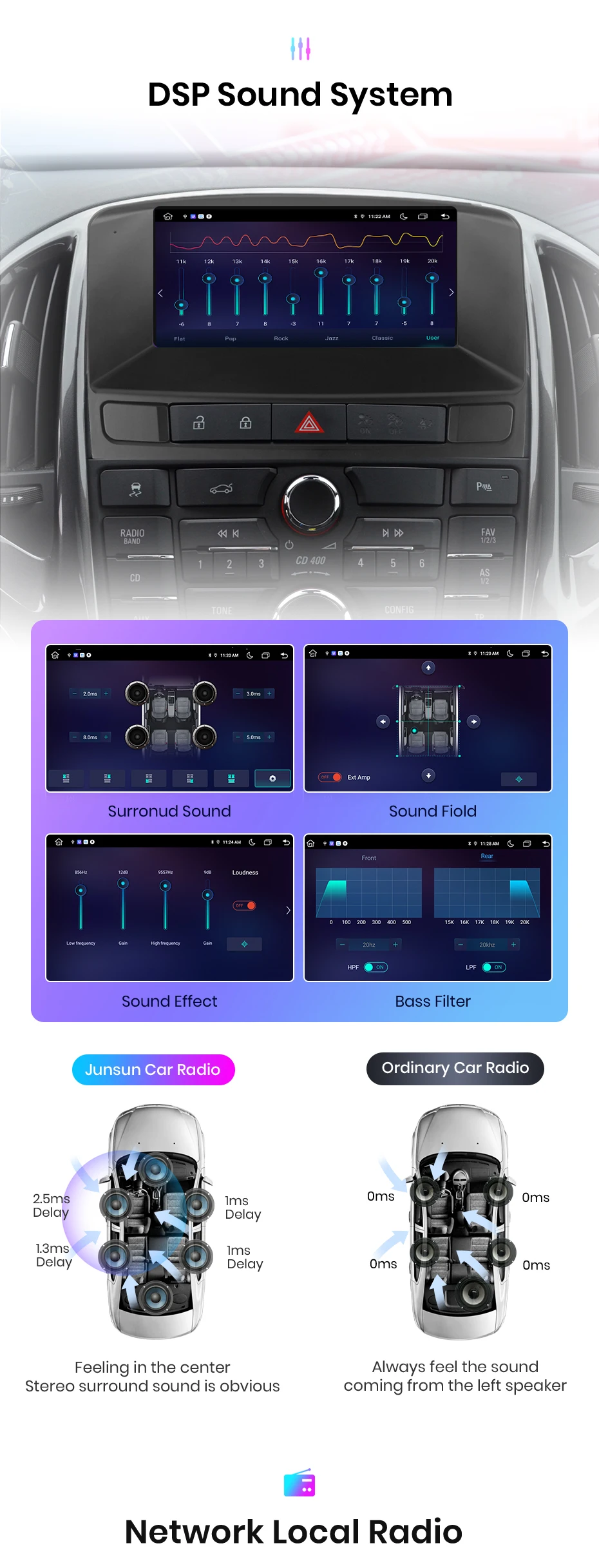
Covering more than 20 countries and regions, with over 10,000radio stations available for listening.ToP30 popular chartsare updated weekly, with intelligent recommendationsfor trending content.Bringing together mainstreamradio stations from various countries, so you can listeneven when you are far away.
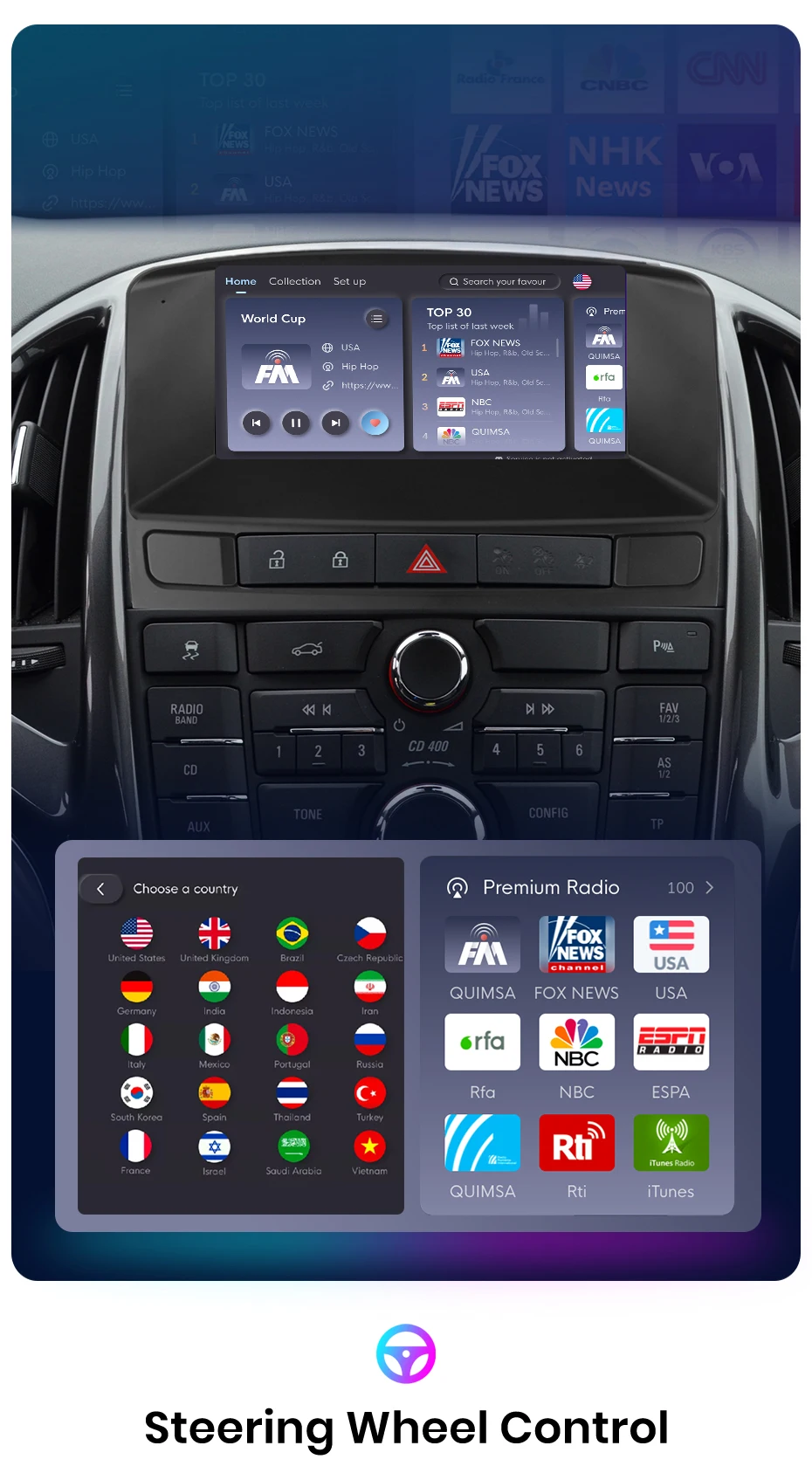
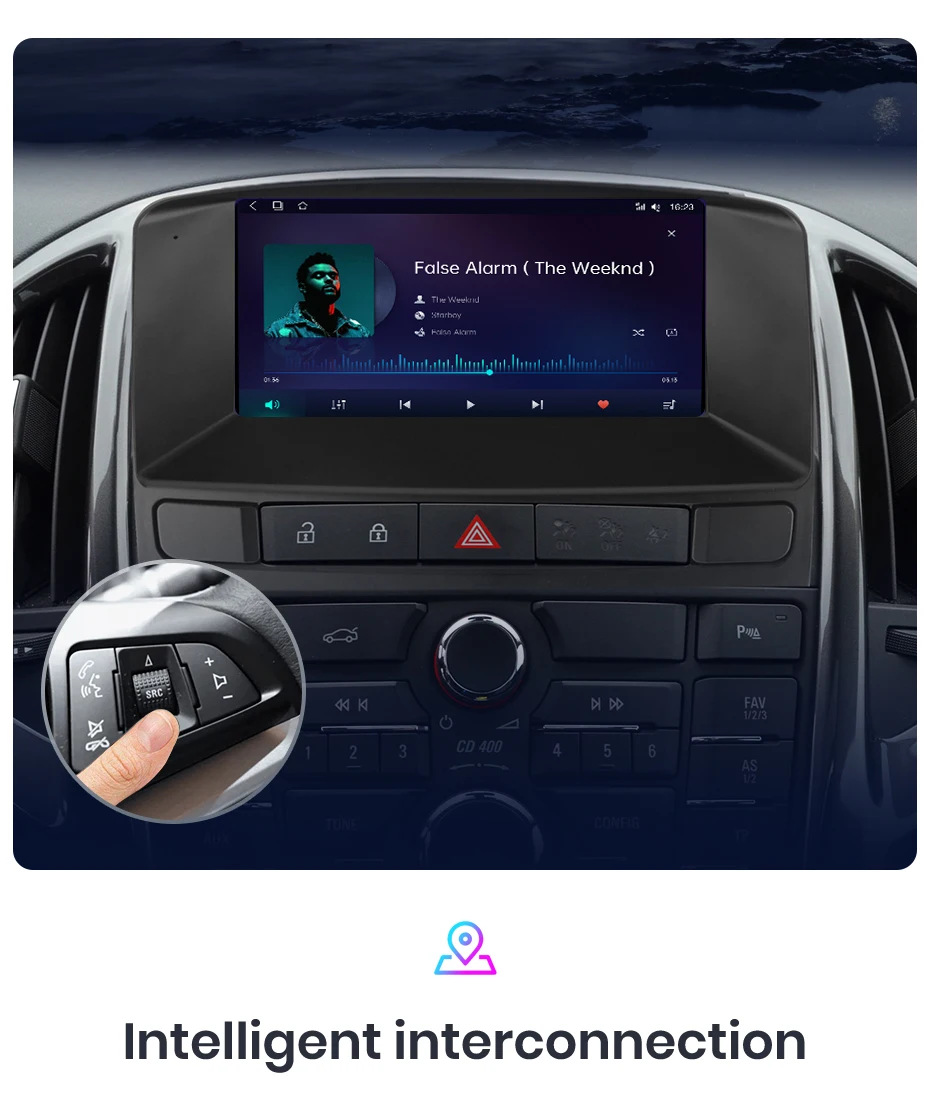
Change the track and volume etc on your steering wheel, provides convenience and safety
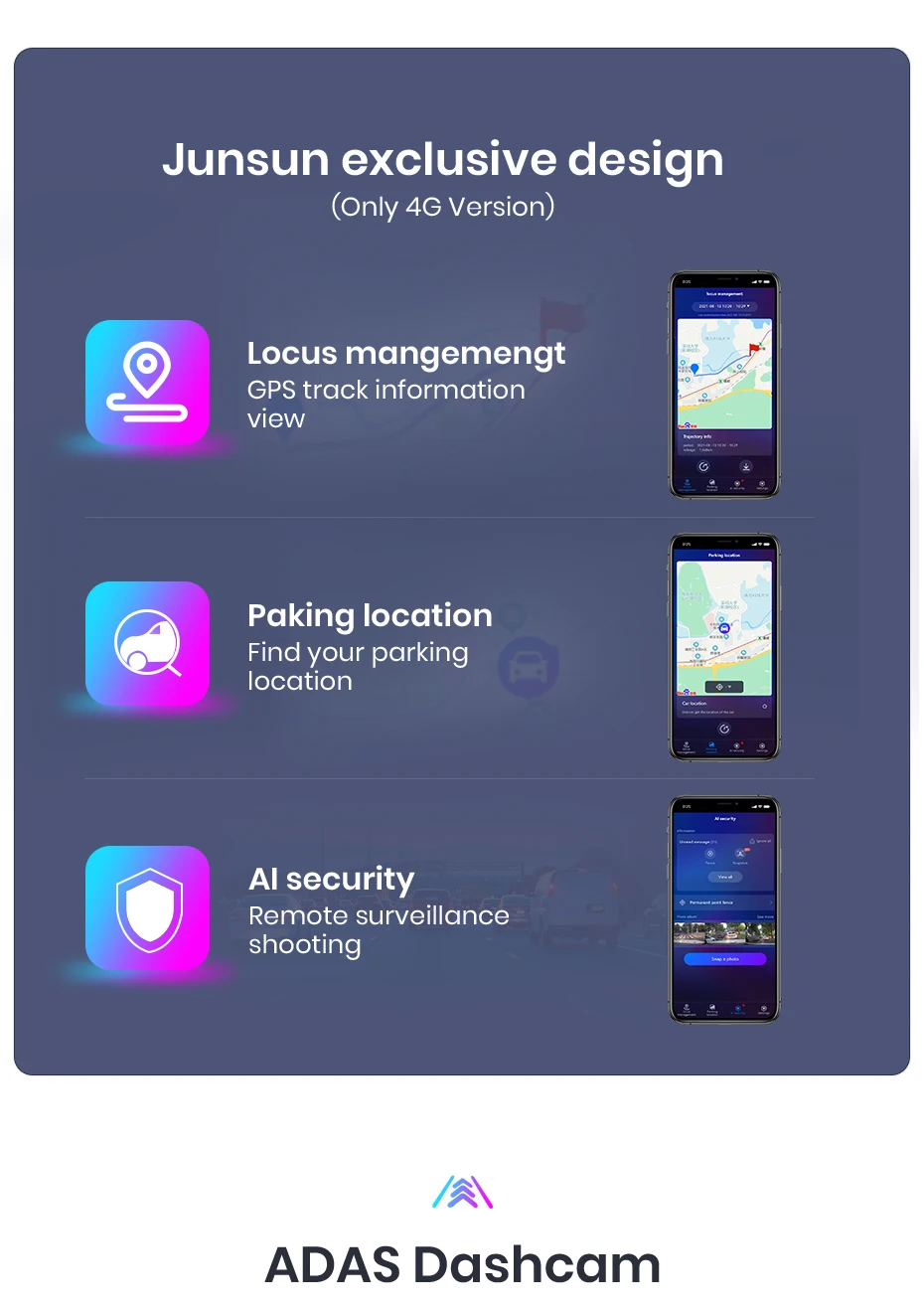
Experience the exclusive "Junsun Online" app designed by Junsun, where you can effortly track your vehicle's real-time rental, replay historical roads, and remotely monitor and capture with just one click (requires the purchase of a dashcam). This feature not only allows you to gain insight into your driving performance but also staying all driving driving safety and experience.
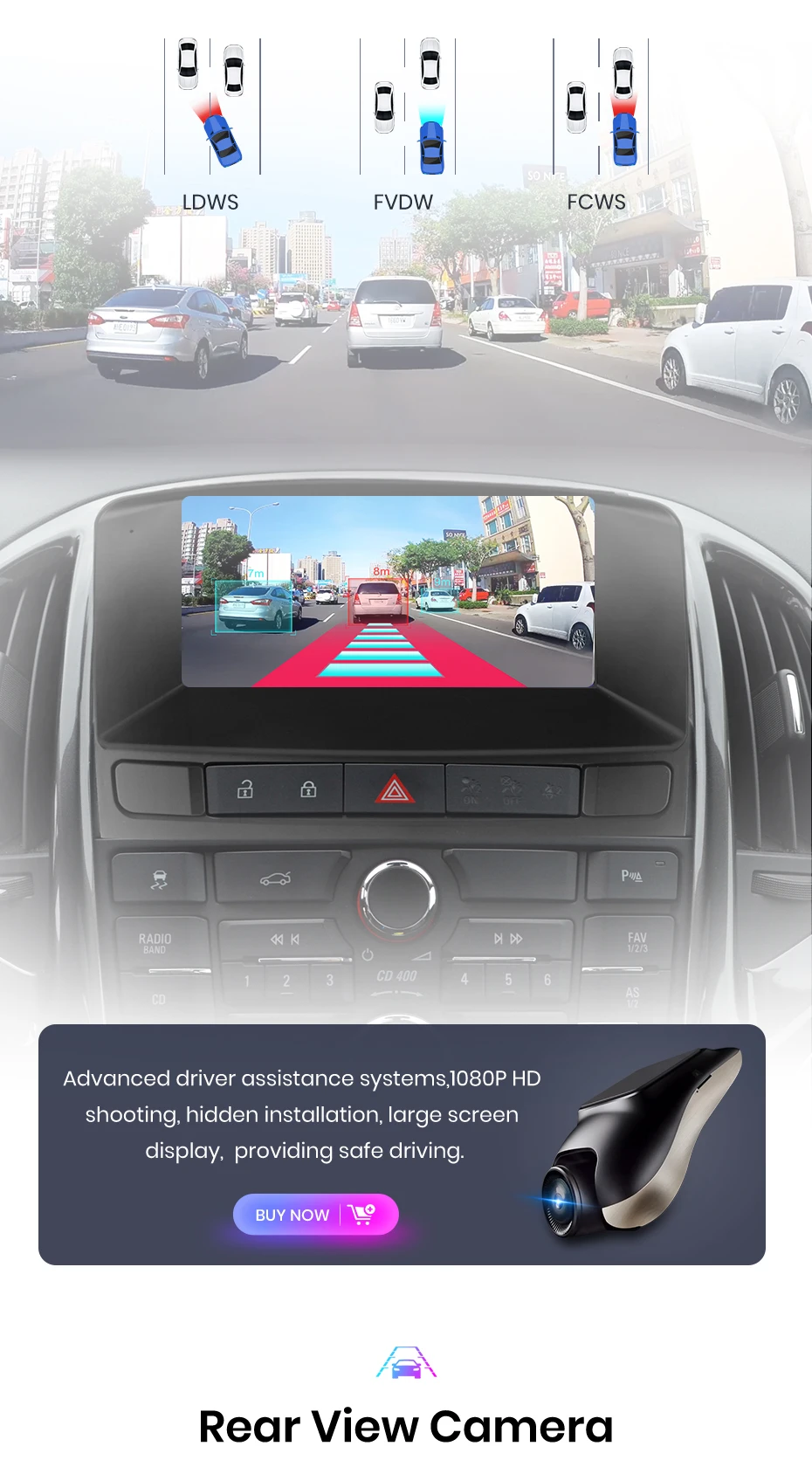
With the real-time image Display, you can Plain see the blind spots and obstacles behind your vehicle, great reducing the risk of reverse accidents.
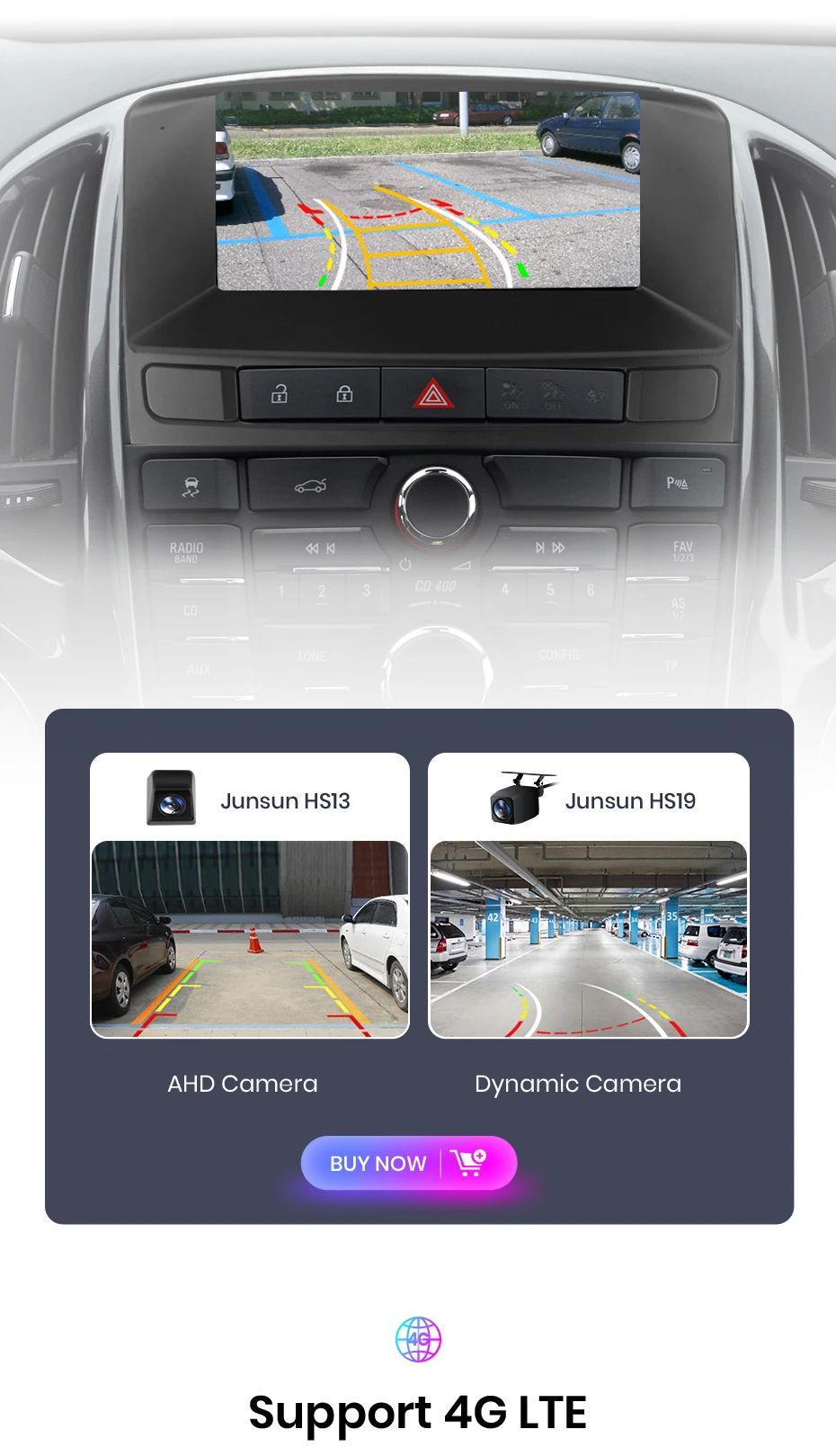
Always have internet on your car, enjoyonline music ,online video, real-time map.knowing the traffic before your trip.
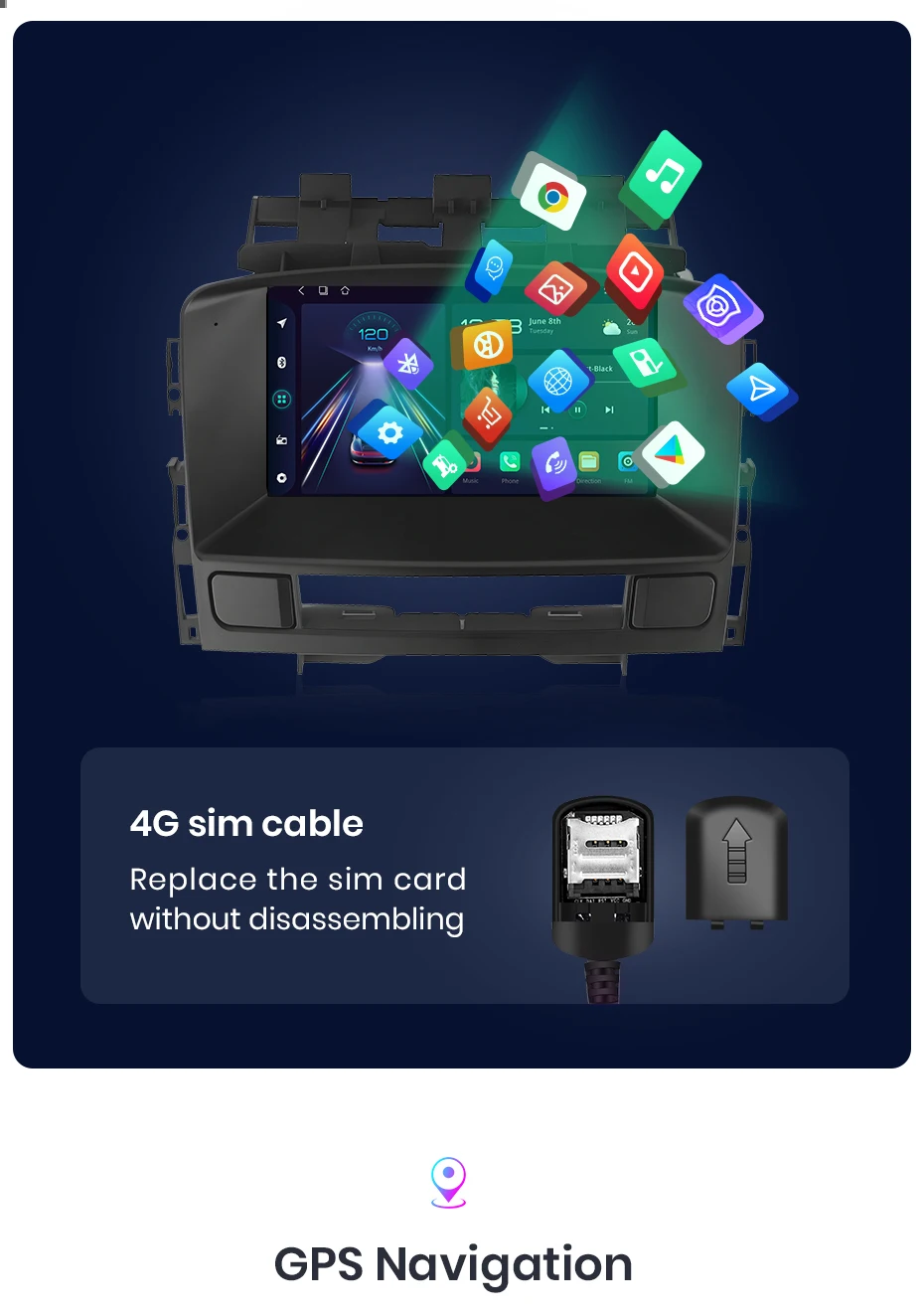
Junsun car navigation system offers built-in offline maps and online map support, allowing you to find the right route at any time. Regardless of the Network conditions, we sure that your navigation experience uninterrupted. And we provide free updates, ensuring that you always have the latest map data.
Enjoy Superior multitasking, easy-to-navigate interface, expanded visuals, adjustable settings and touch-sensitive controls. E. G. navigation for the main driver, playing video for the passenger, or one side listing to music and other side turning on ADAS DVR functions etc.
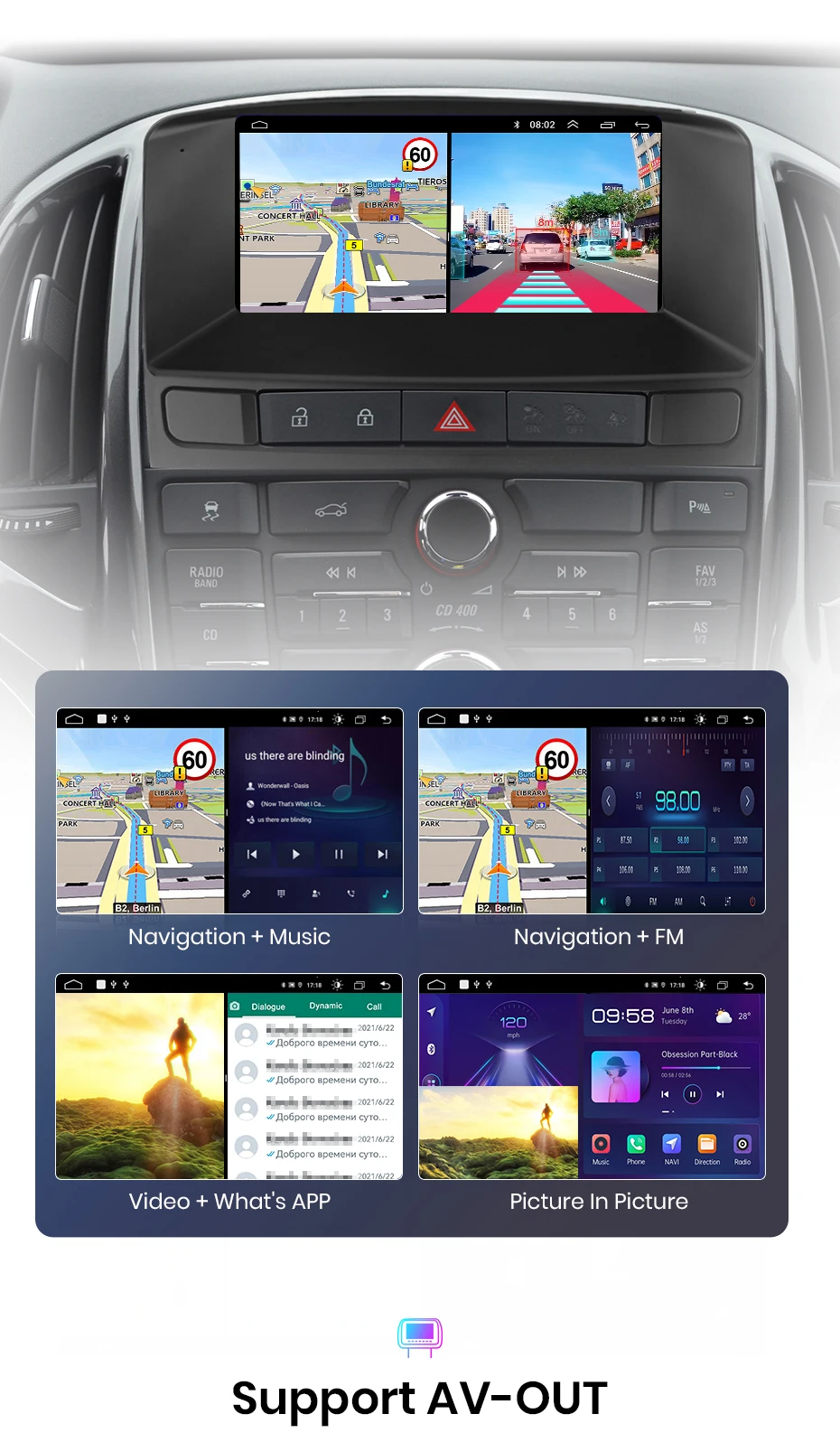
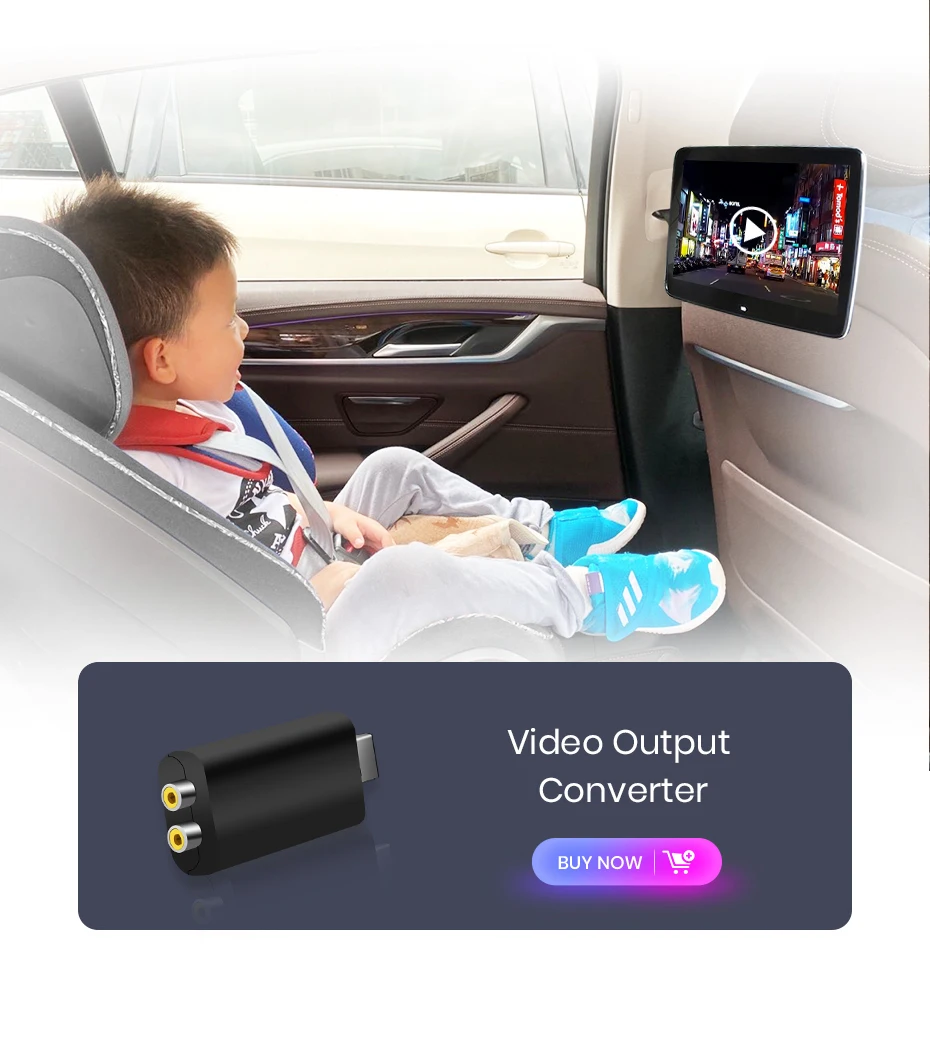
Connect your car navigation system to an external Display and joy to increase screen experience. The VA-Out feature allows you to project the content and functionality of your navigation system to supported external Display devices, delivering a clearer and more immersive audio-visual experience.
FAQ
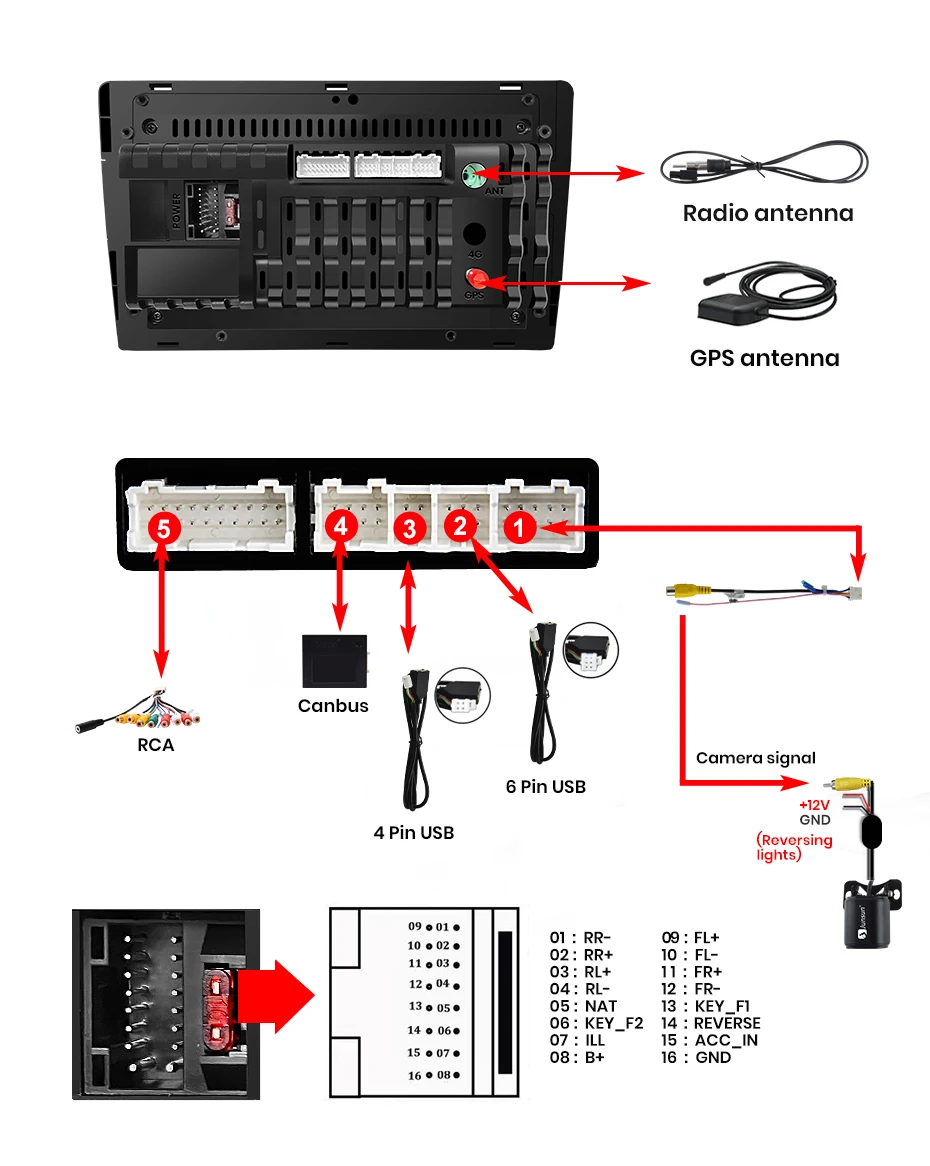
1. How to connect the watch view camera?
1) Red cable ② is connected to the backup light "+"
2) Black cable ① is connected to the “GND”
3)The reverse detection cable ④(Brown color) is connected to the red cable ③ which extending from the video output cable, please follow the picture below to connect.
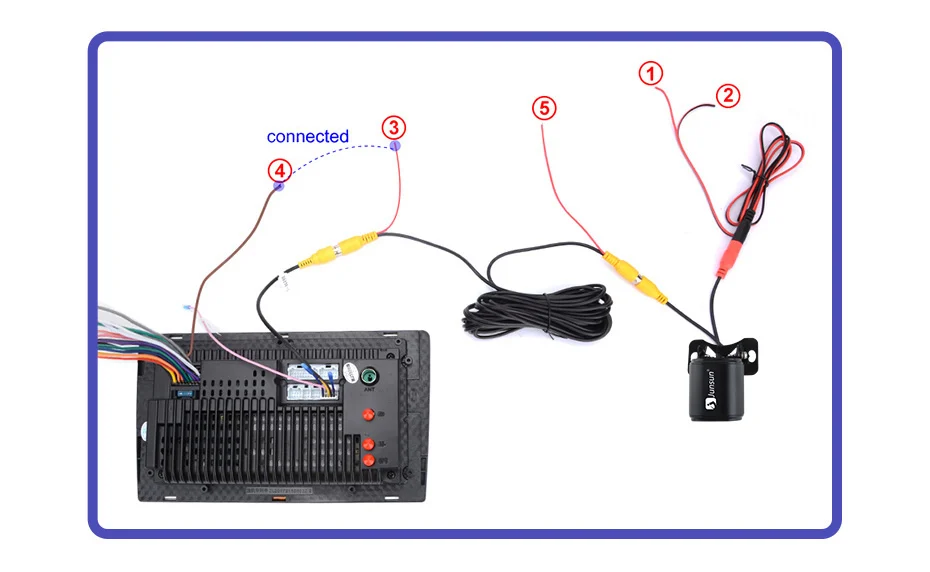
If the screen displays quite normal after V1 PLUS/V2 PLUS Connection, please enter the Factory settings to adjust the camera format, settings-Car Information-About Device-8878-Blackcar Setup-change the CamType /CamFormat to match the camera format;
2.How to set steering wheel controls?
1) There is no Canbus in the product, if you purchased V1/V1.C/V1 Pro/V1 Pro.C/V1 Plus, please refer to the picture to set;

3.How to connect wireless Carplay and Android Auto?
For the first connection, need to turn on the phone's Bluetooth to peer with the car's Bluetooth.
After the pairing is successful, the car radio will automatically jump to the ZLink or AutoLink interface
At this time, the phone pop up a prompting message "use CarPlay with Zlink or AutoLink
Then turn on the WiFi of the mobile phone, and the CarPlay will be connected
4.How to connect wired Carplay and Android Auto?
Please use your original data cable to connect the phone to the 4 PIN USB cable, then turn on the Carplay/Android Auto function on your phone and the "AutoLink" or "ZLINK5" icon on the video to connect.
5.How to change the Boot Logo?
Because of copyright issues, logo cannot be displayed.If need, please contact Customer Service for methods to modified the logo.
6.This is the cable rental diagram for your reference